Sales
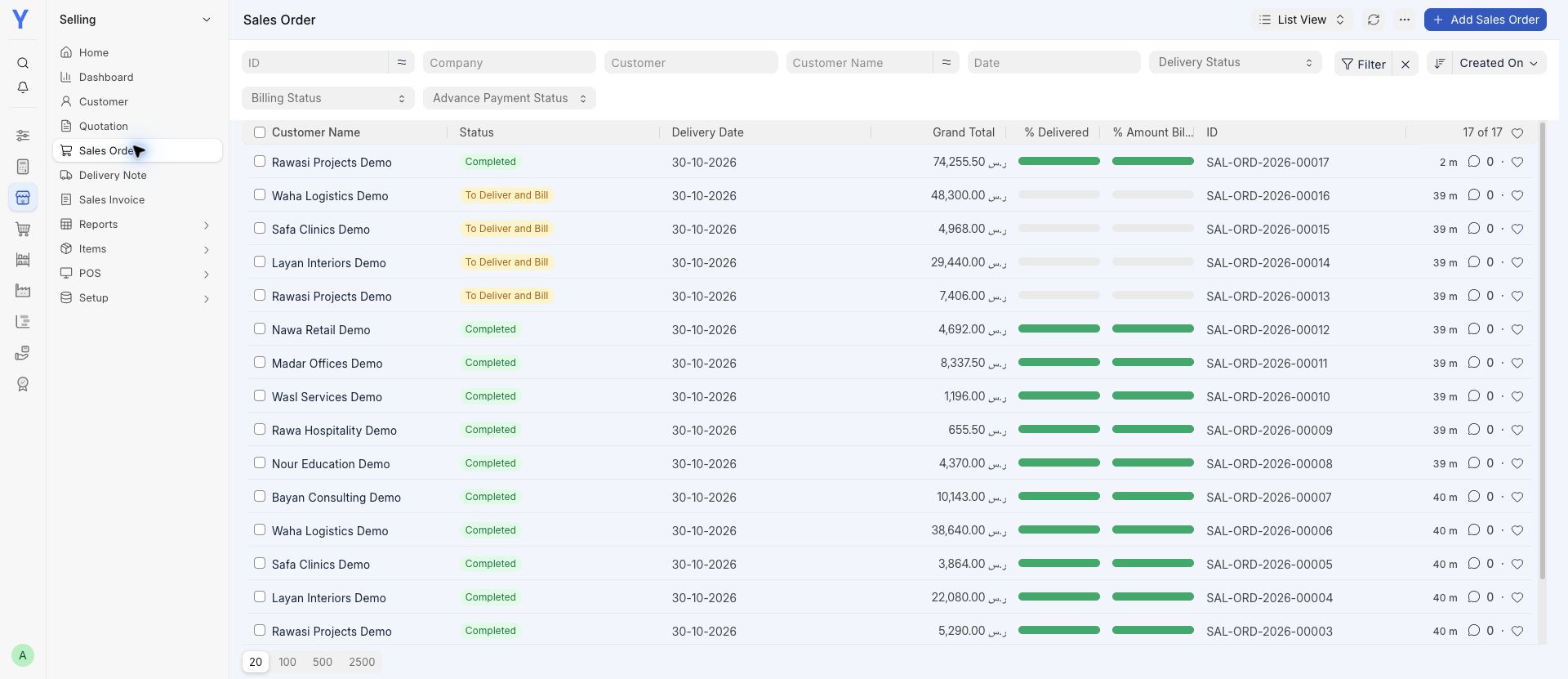
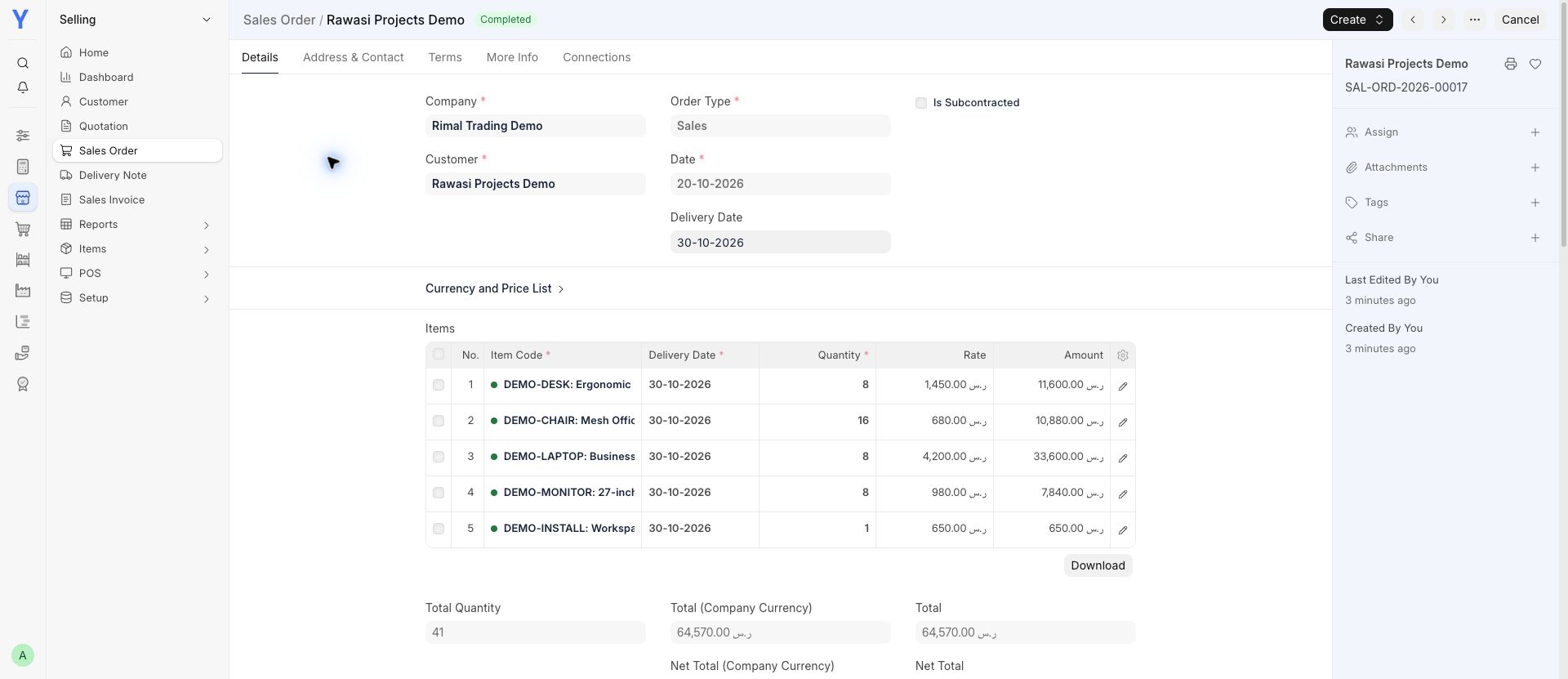
Follow an order through delivery, invoicing and payment.
View a screen
Explore YousrERP accounting, sales, purchasing, stock, projects and plan-specific business apps.
Review account balances, entries and financial reports alongside the transactions behind them. Opening balances, tax settings and the chart of accounts require a considered setup. Saudi invoicing requirements need a specific fit check; a report screen alone is not compliance evidence.
Connect quotations, orders, invoices, receipts and warehouse movements. For distribution, discuss how stock moves between locations and salespeople. Van invoicing, mobile access, connectivity and tax requirements need review before a van-sales setup is promised.
Organize project work and review plan-specific HR/payroll, CRM or helpdesk requirements. Installed apps and included features depend on your selected plan. Manufacturing, integrations and development are assessed separately, with an agreed scope, testing and maintenance arrangement.
Real software. Connected examples. Choose a module and take a closer look.
Recorded in Chrome using fictional demo data. These are software examples, not customer results. Apps, setup and availability depend on your plan and agreed scope. A demo tax calculation does not demonstrate a ZATCA connection.
Follow an order through delivery, invoicing and payment.
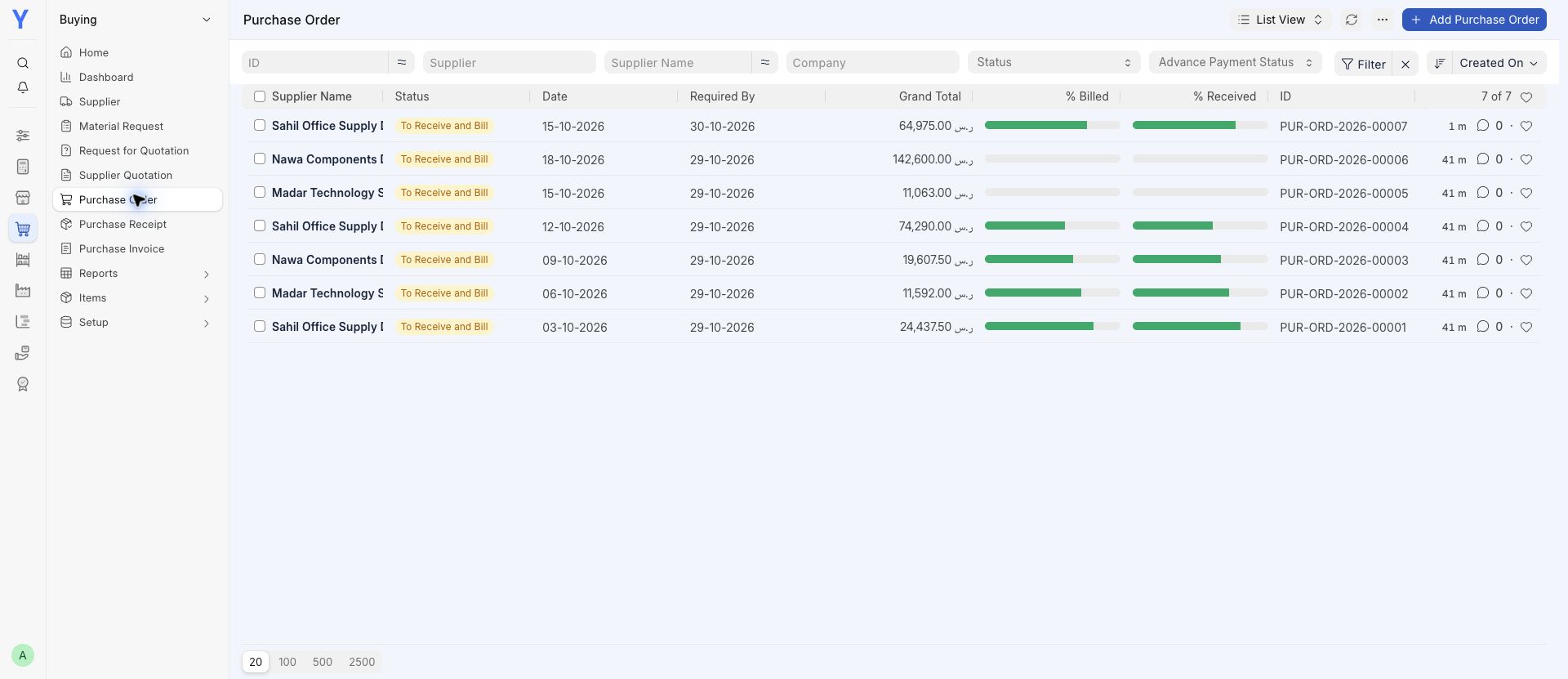
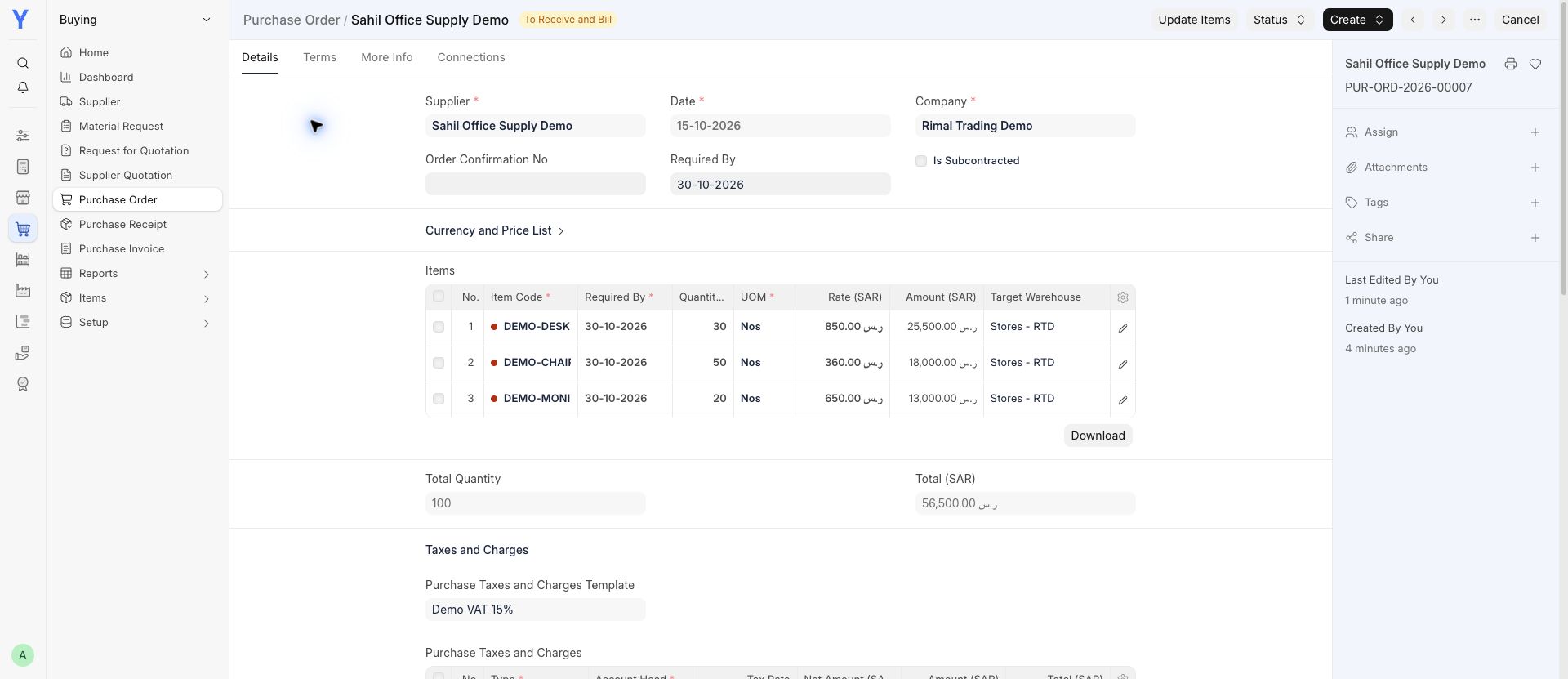
Keep supplier orders, received goods and bills connected.
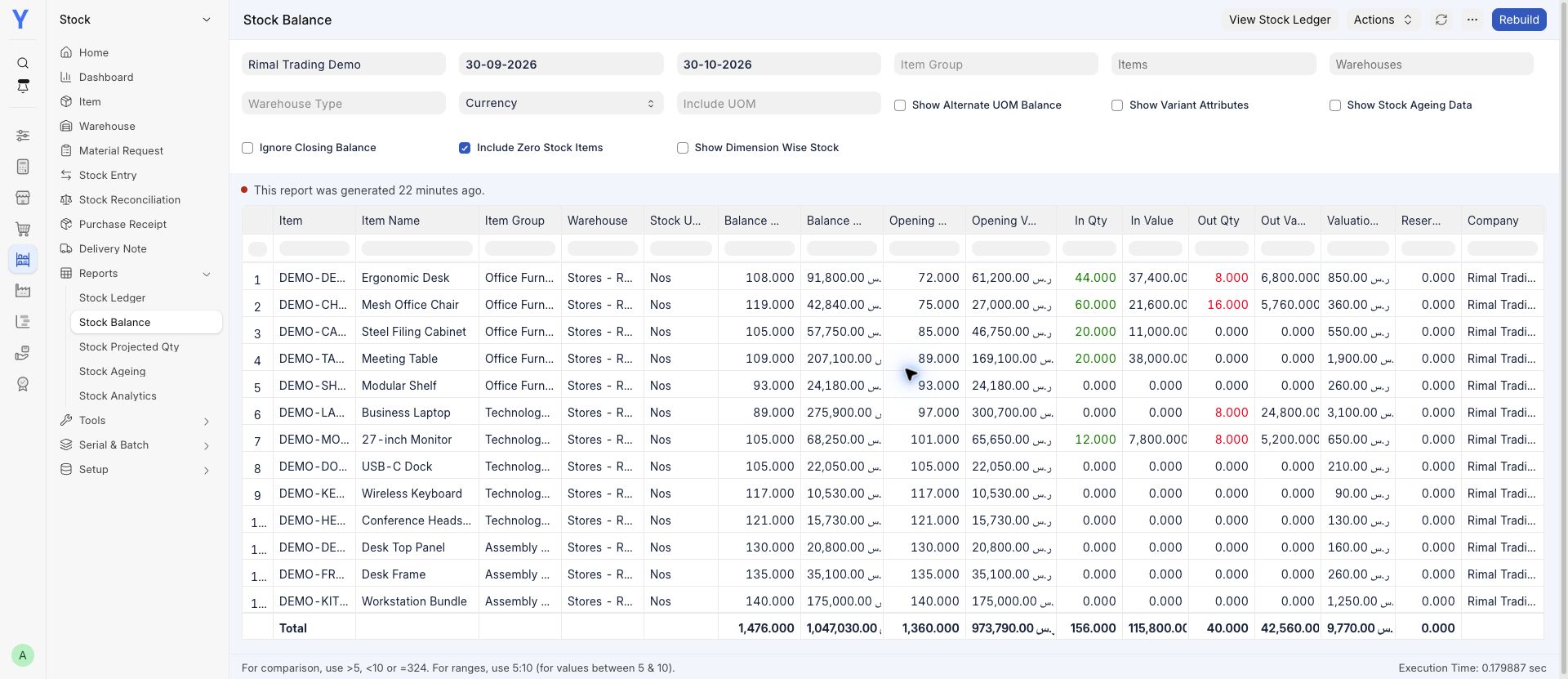
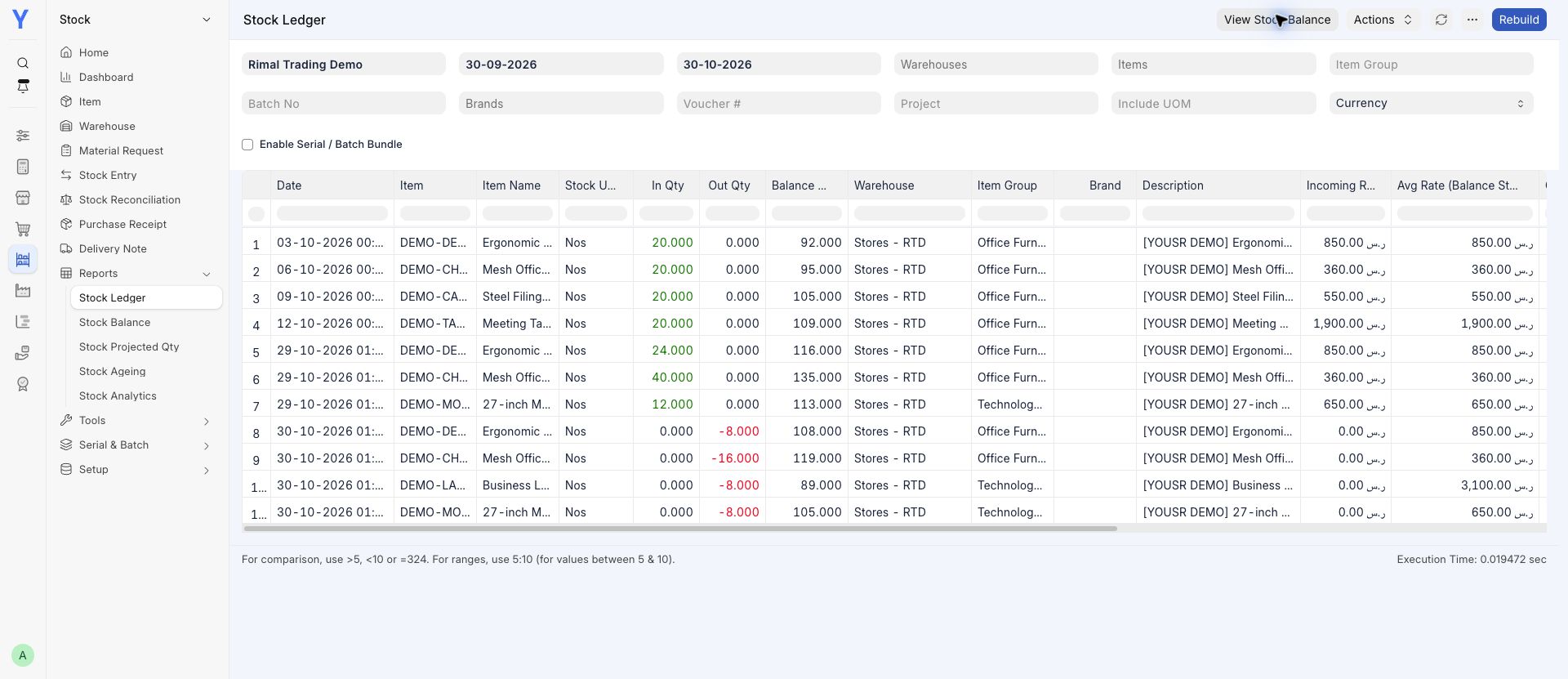
See what is available and follow the movements behind it.
Review receivables and the transactions behind your balances.
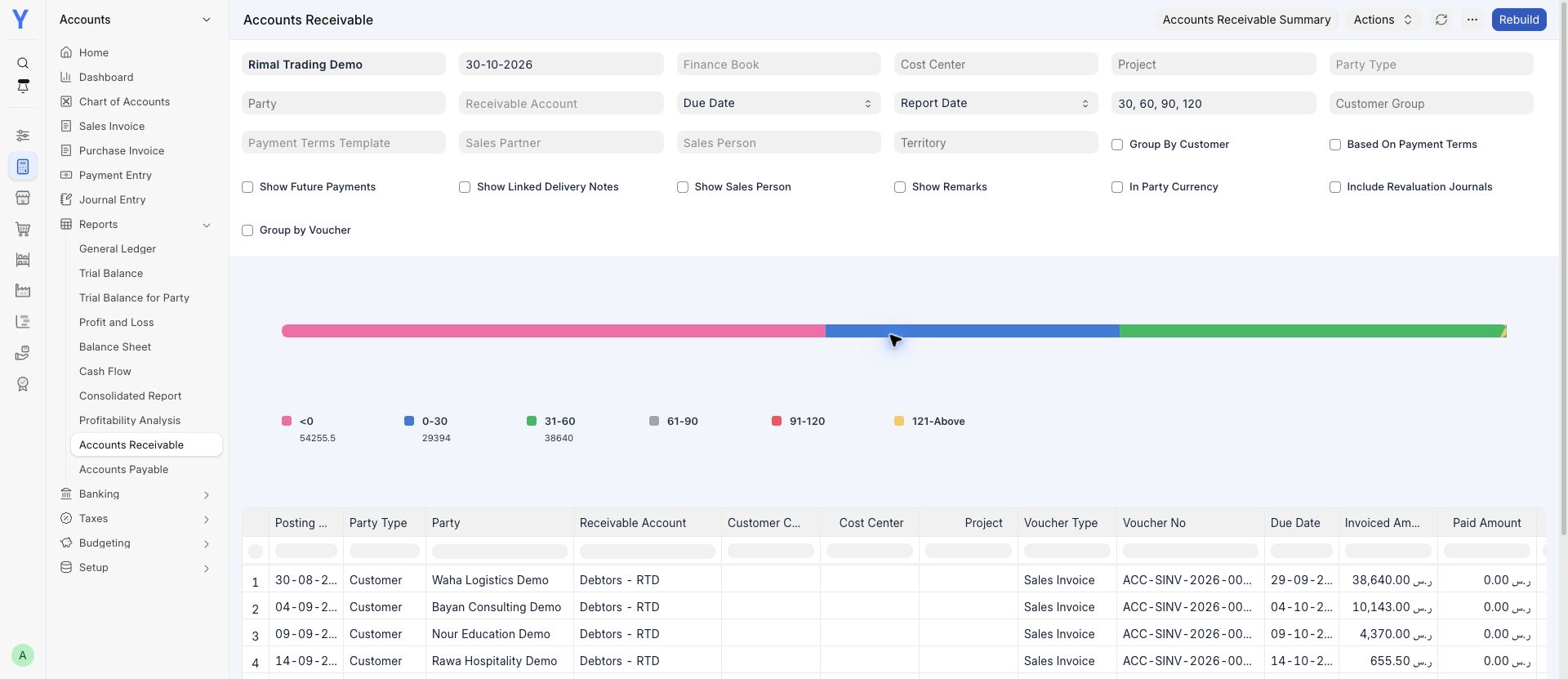
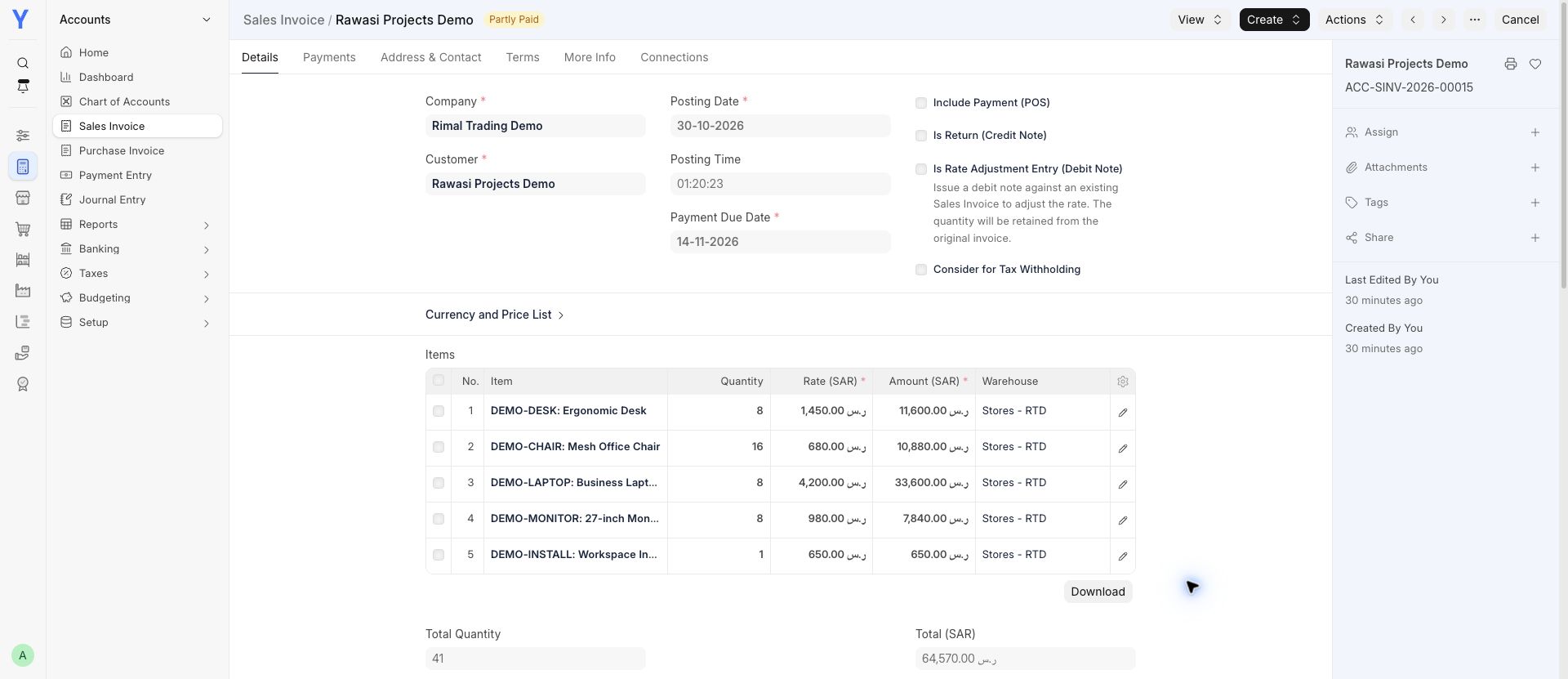
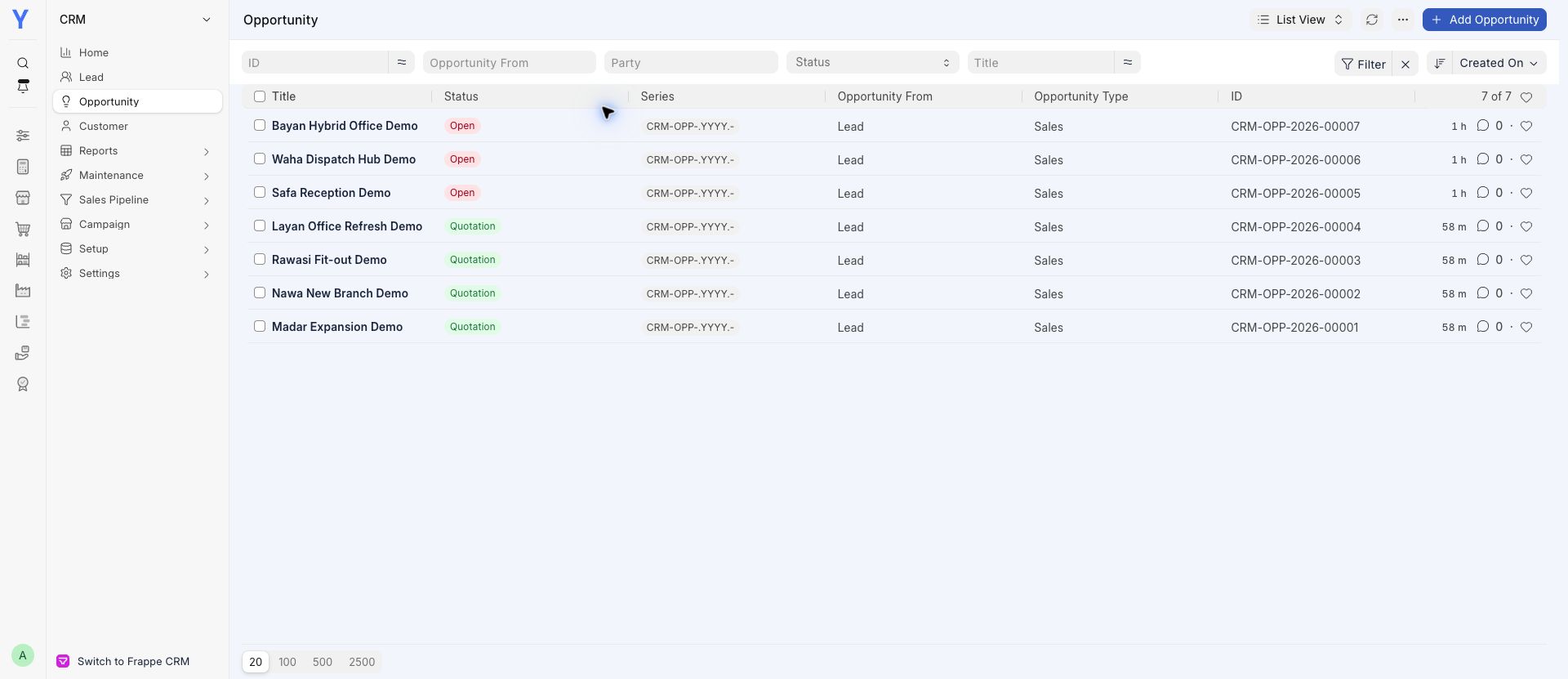
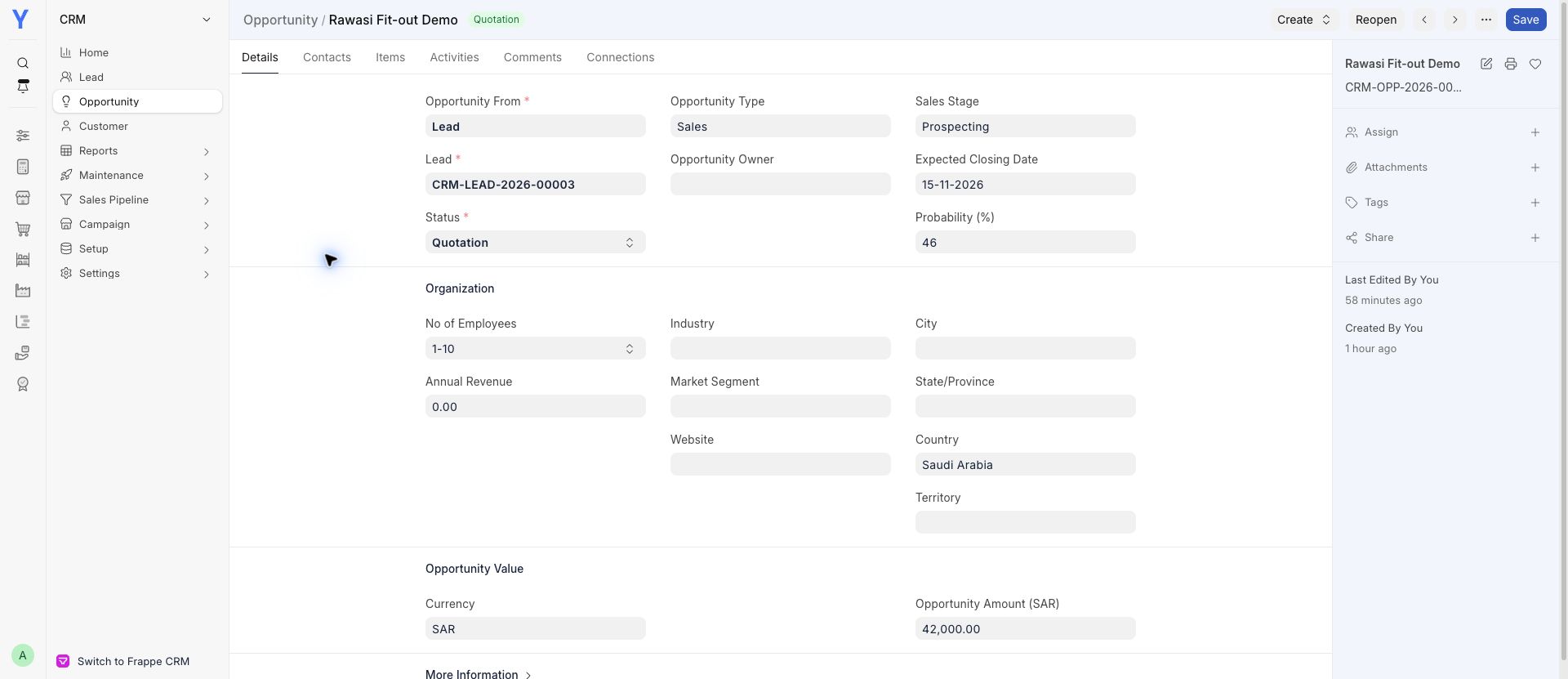
Keep prospects, opportunities and quotations in view.
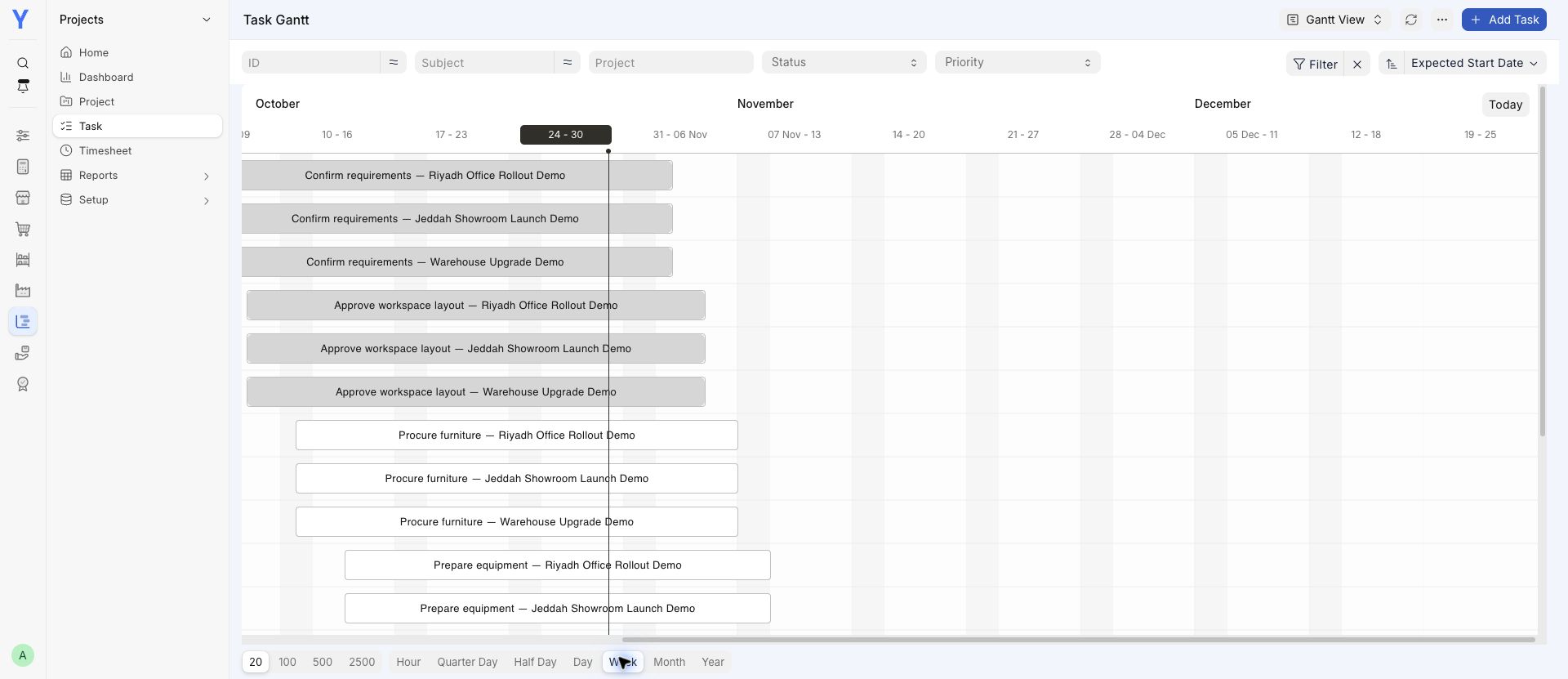
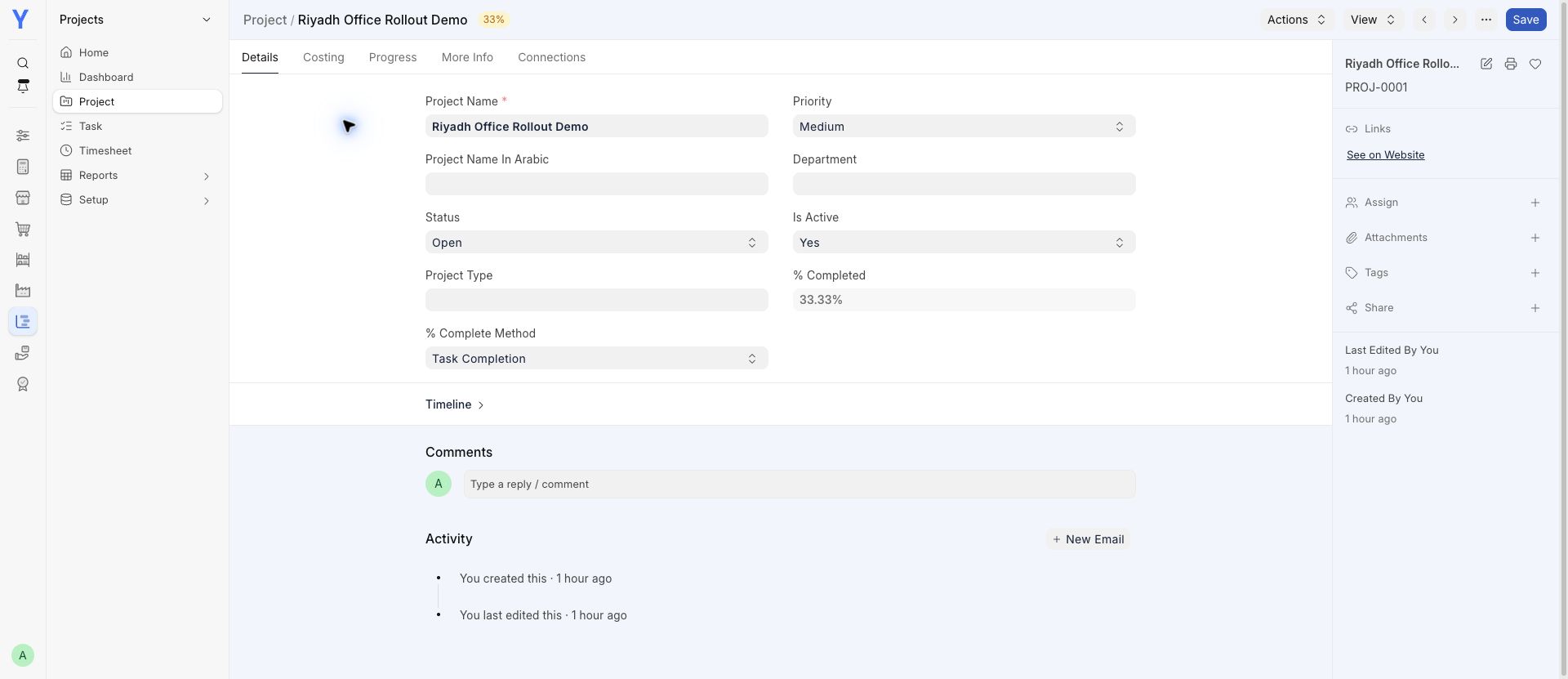
See the work, deadlines and tasks still to do.
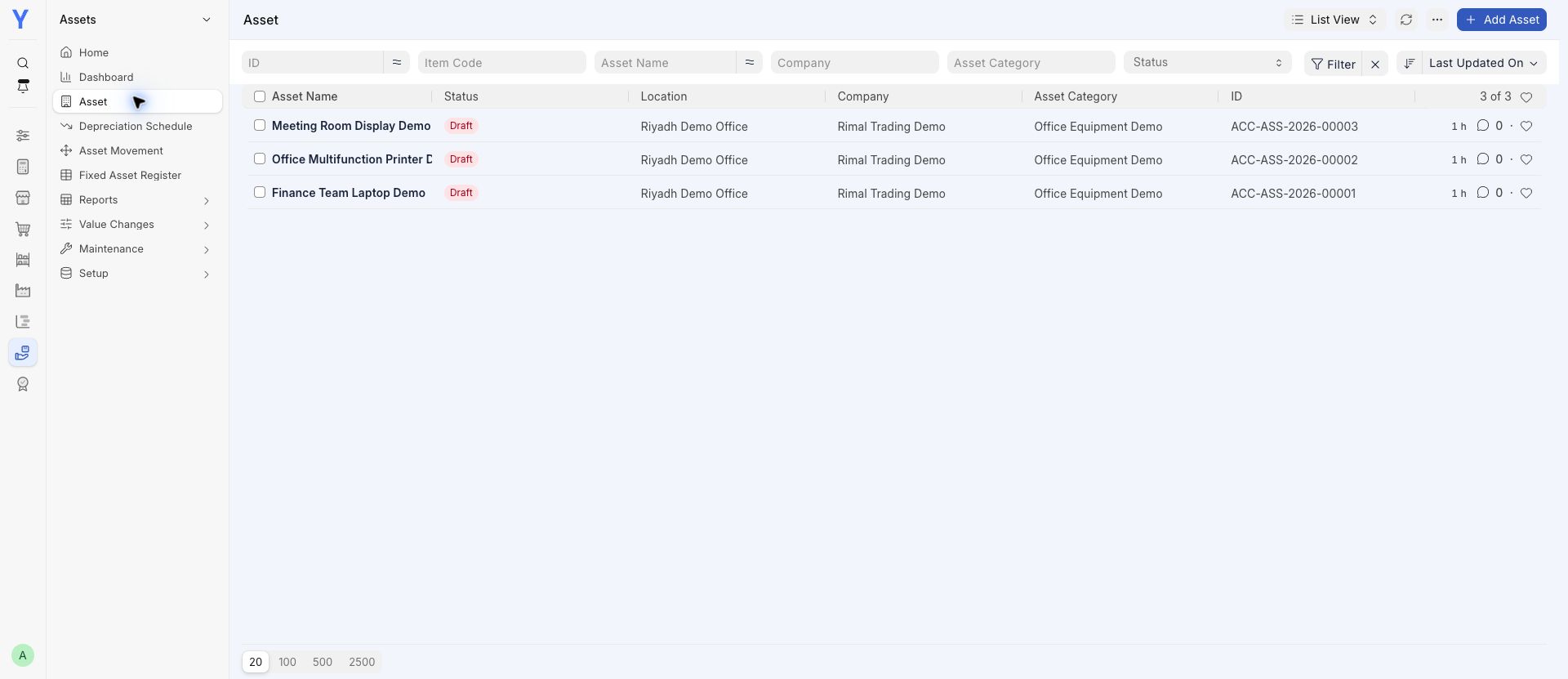
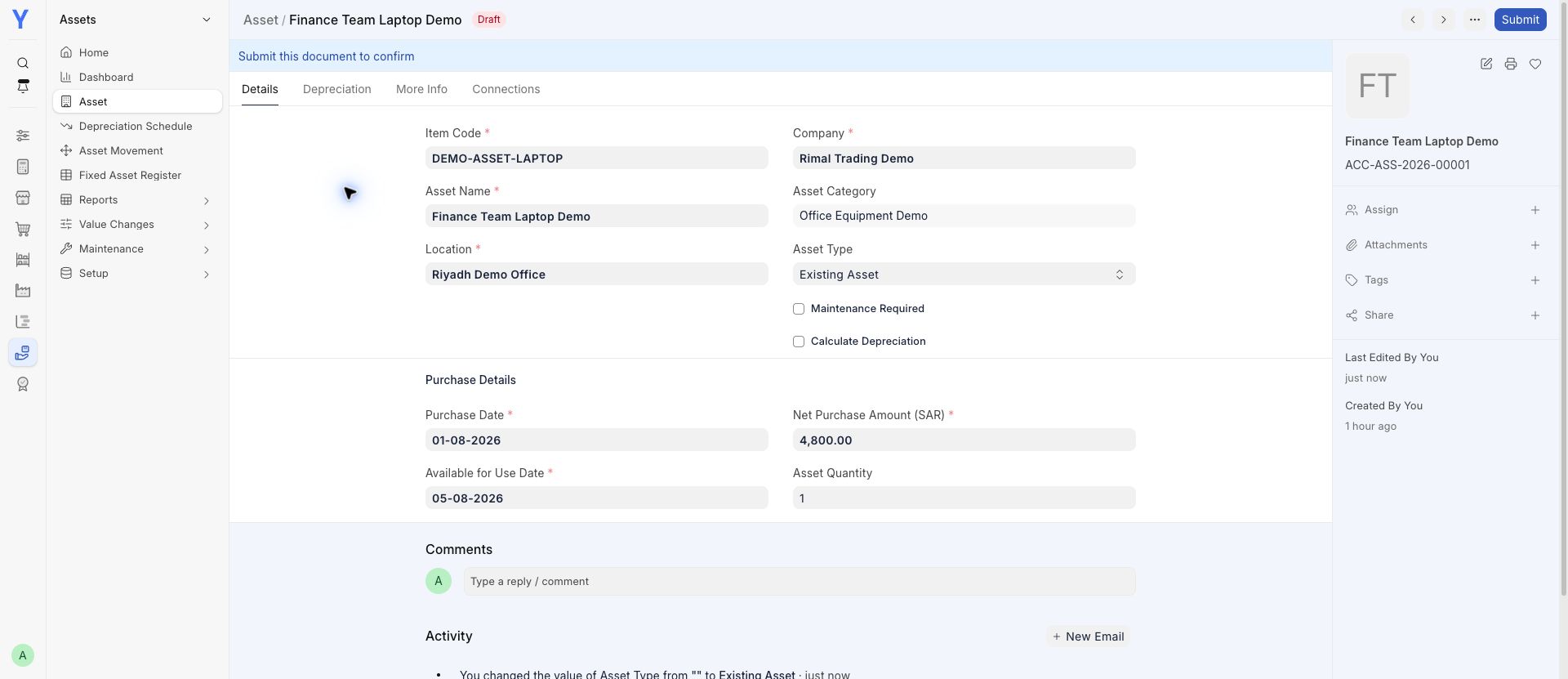
Keep equipment records and purchase information together.
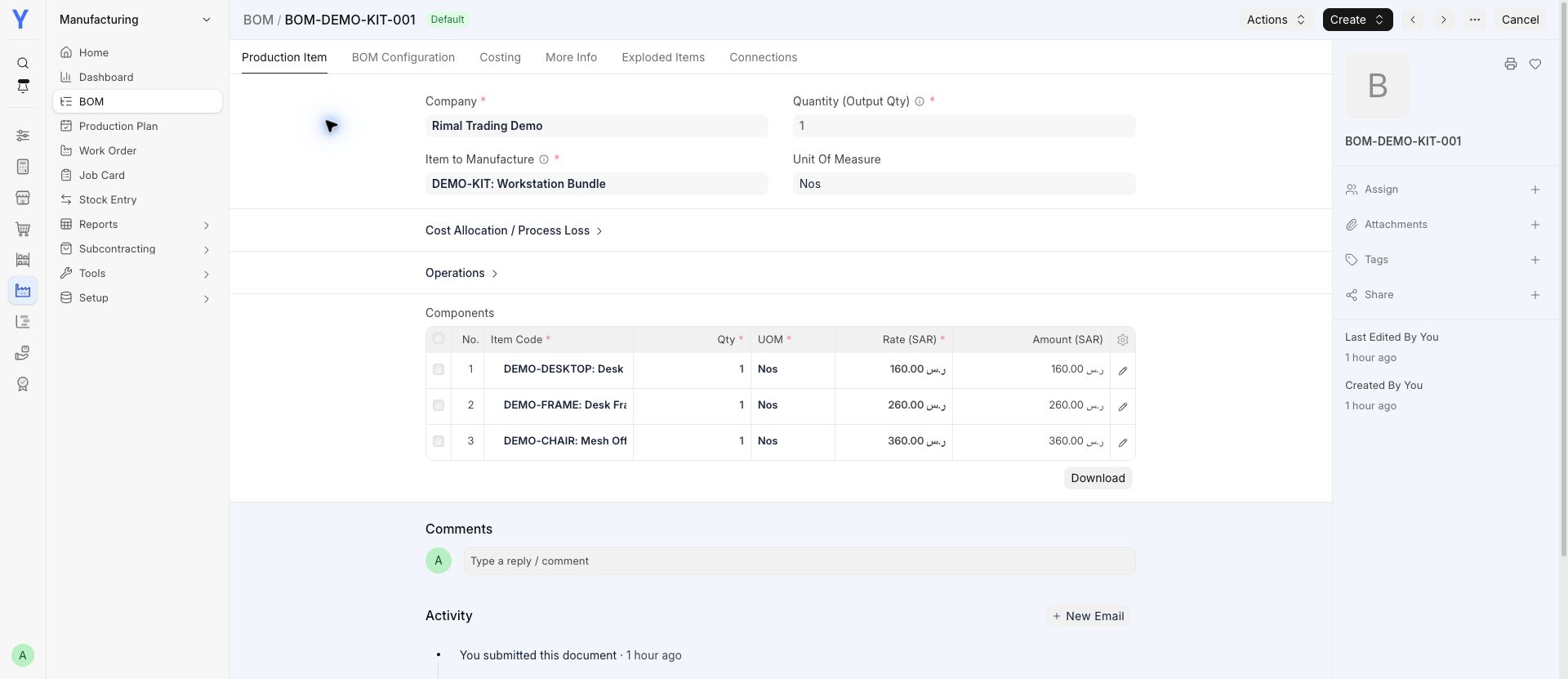
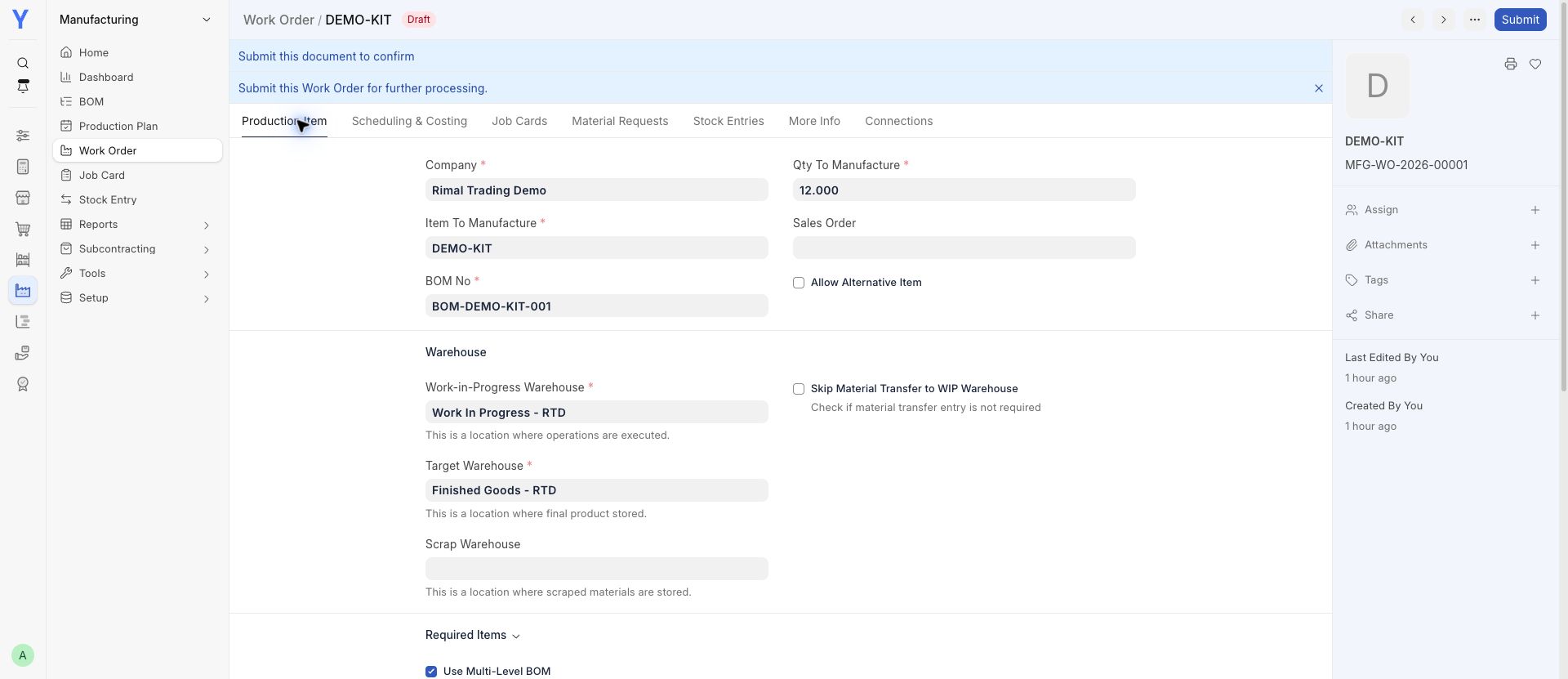
Review a bill of materials and plan an assembly order.
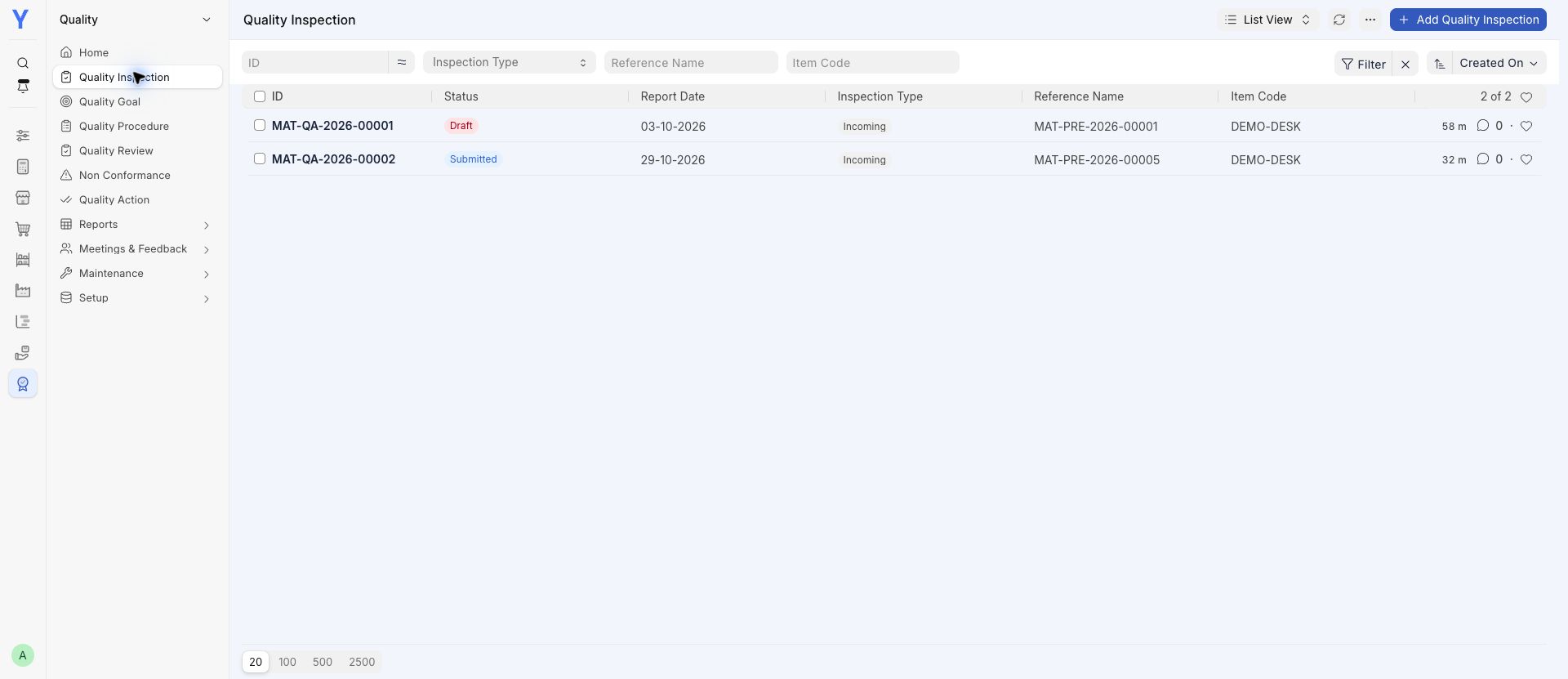
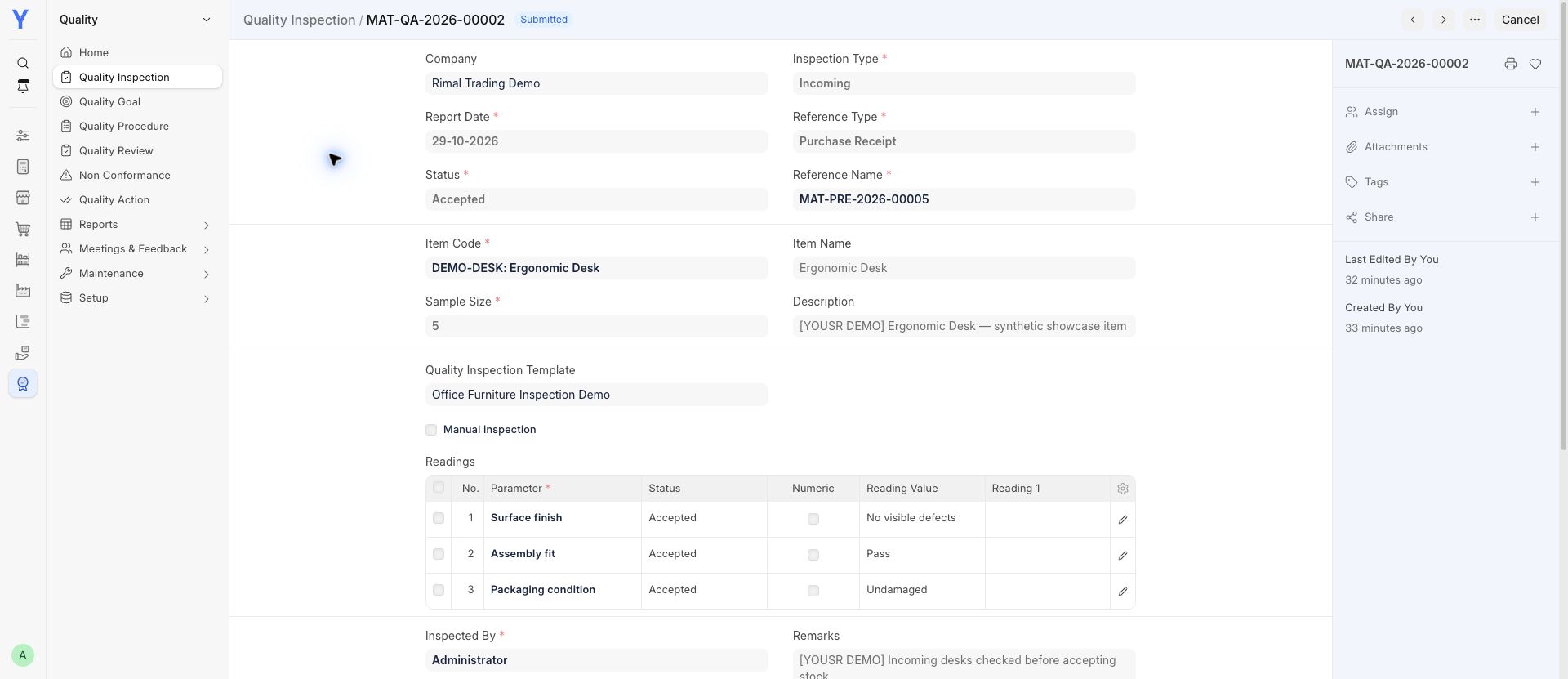
Record incoming checks and review inspection results.
Keep customer questions and their status organized.
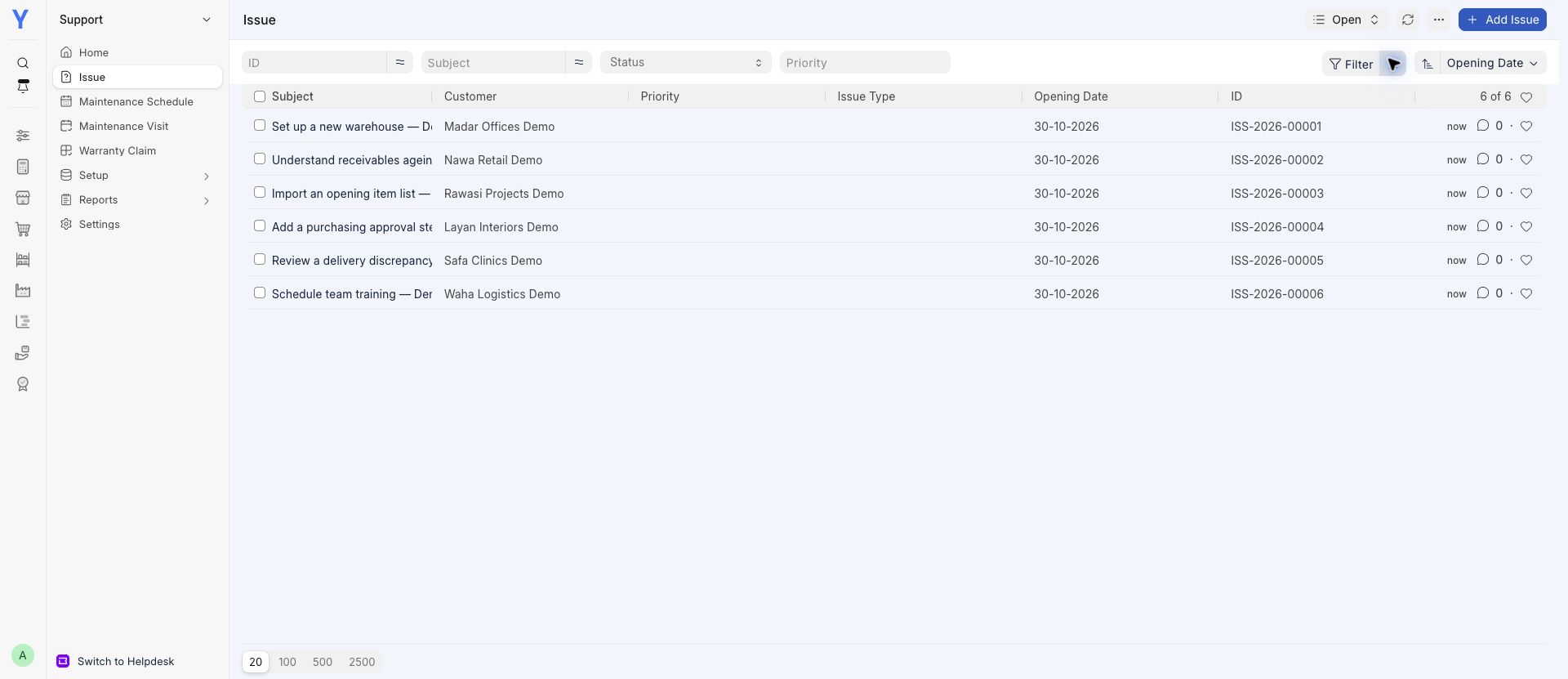
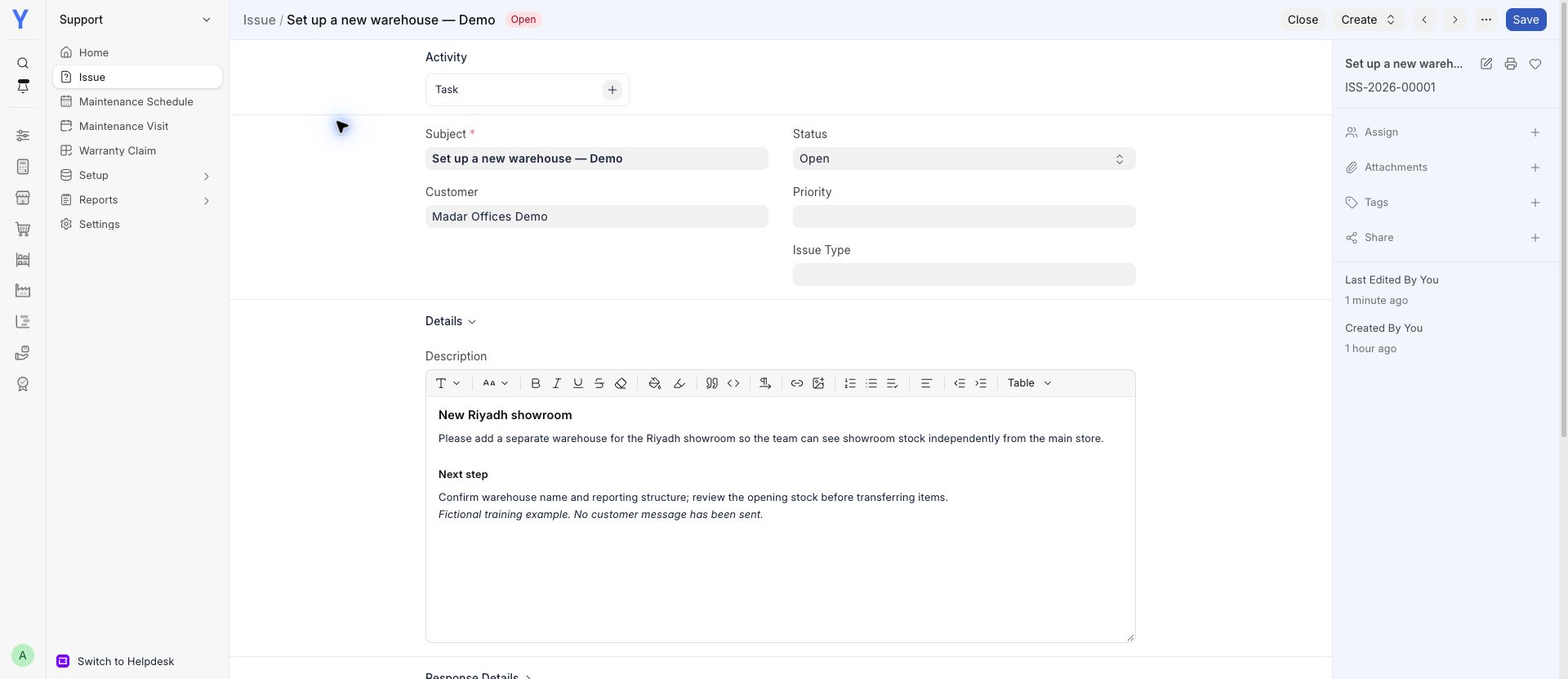
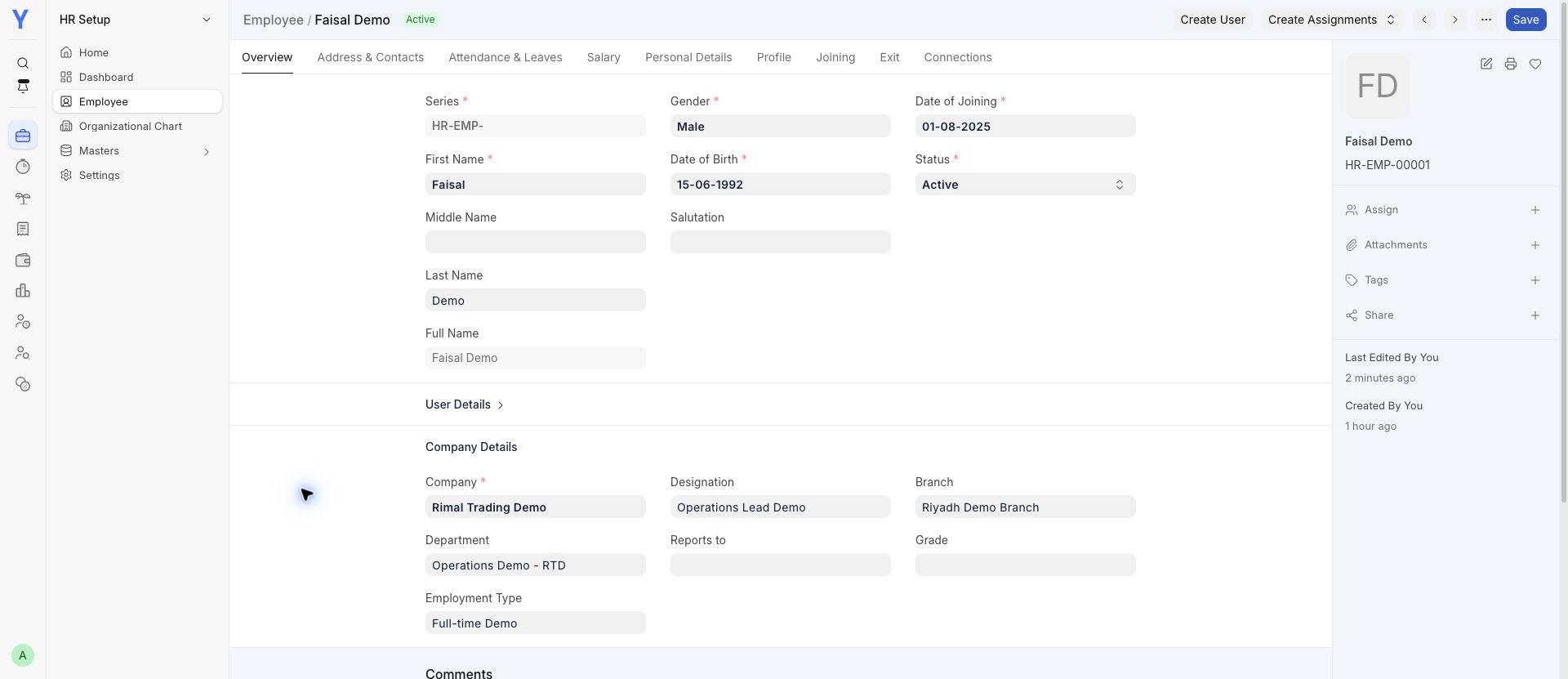
Find employee records and review attendance.
Additional app · confirm your plan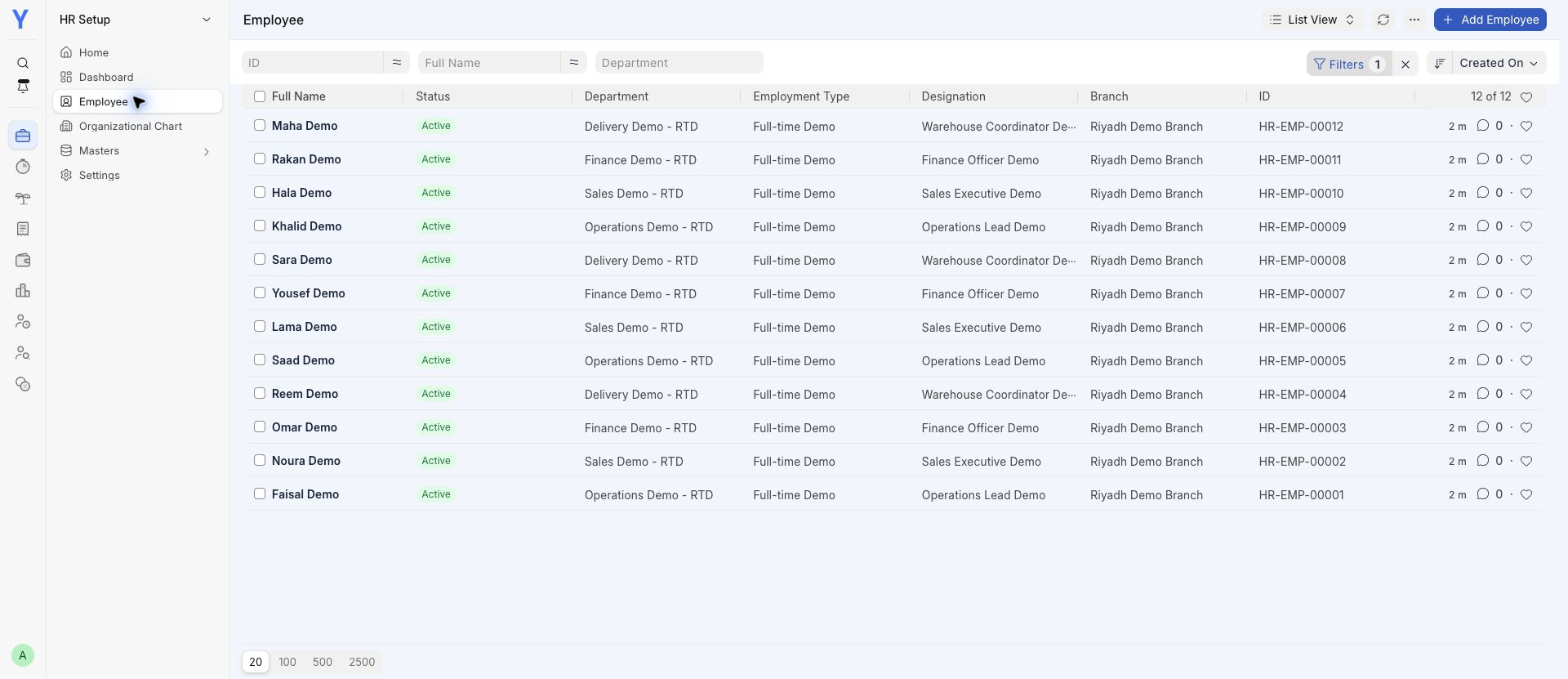
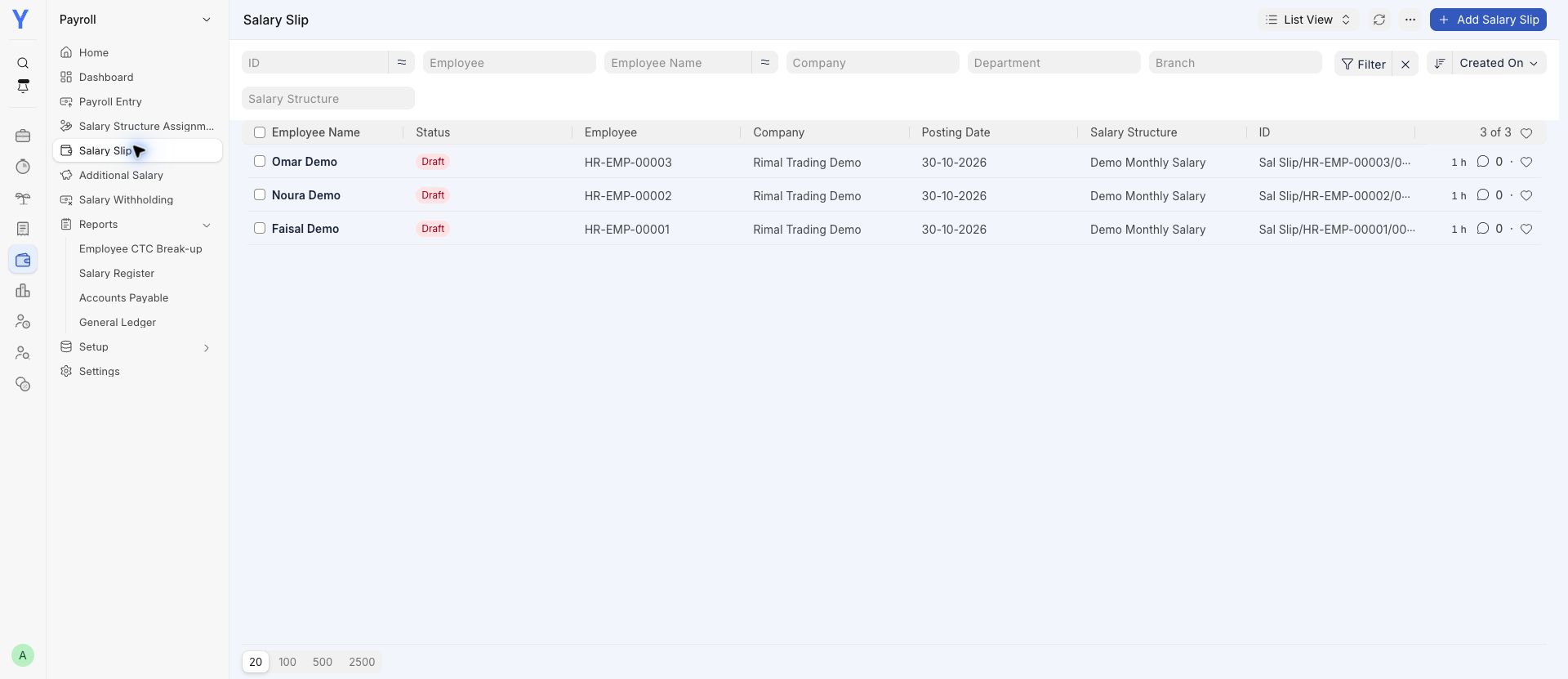
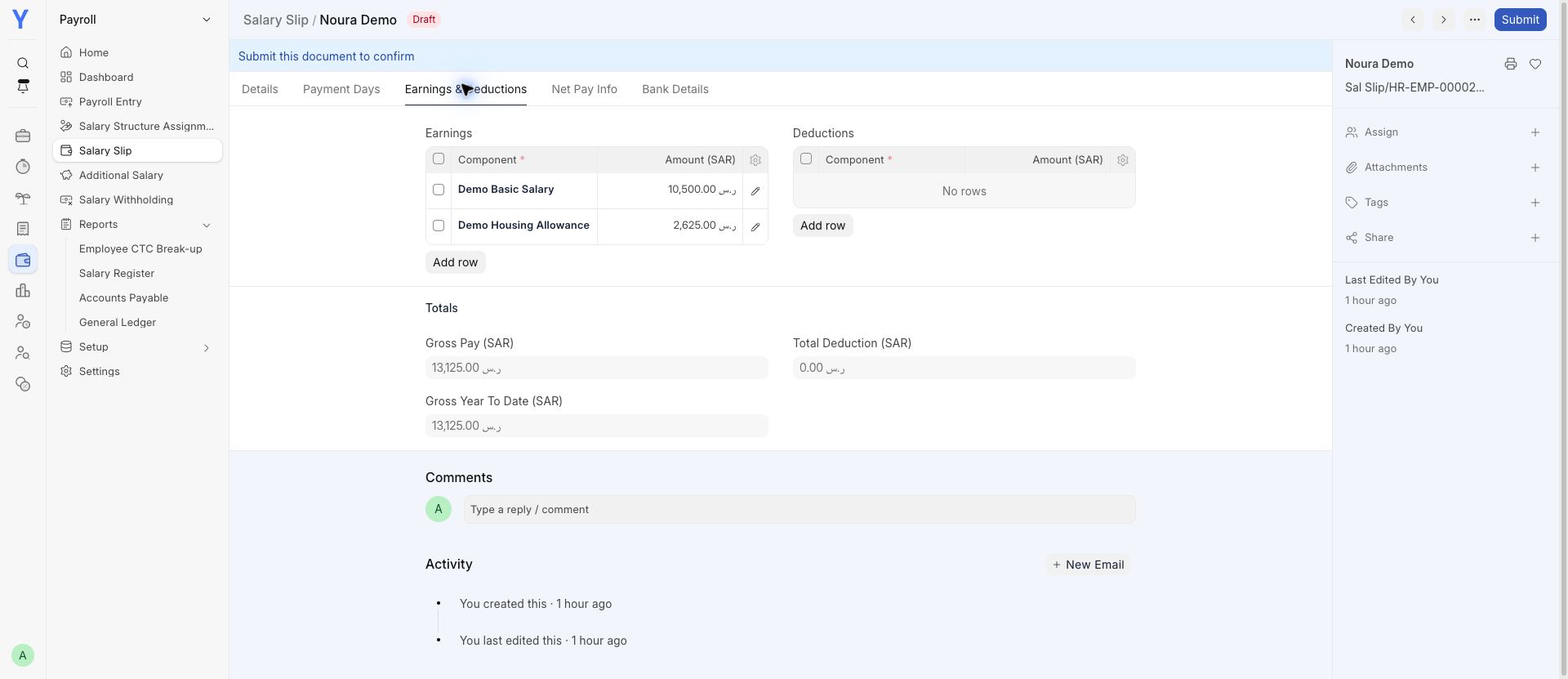
Review a draft salary calculation before approval.
Additional app · confirm your plan