Sales
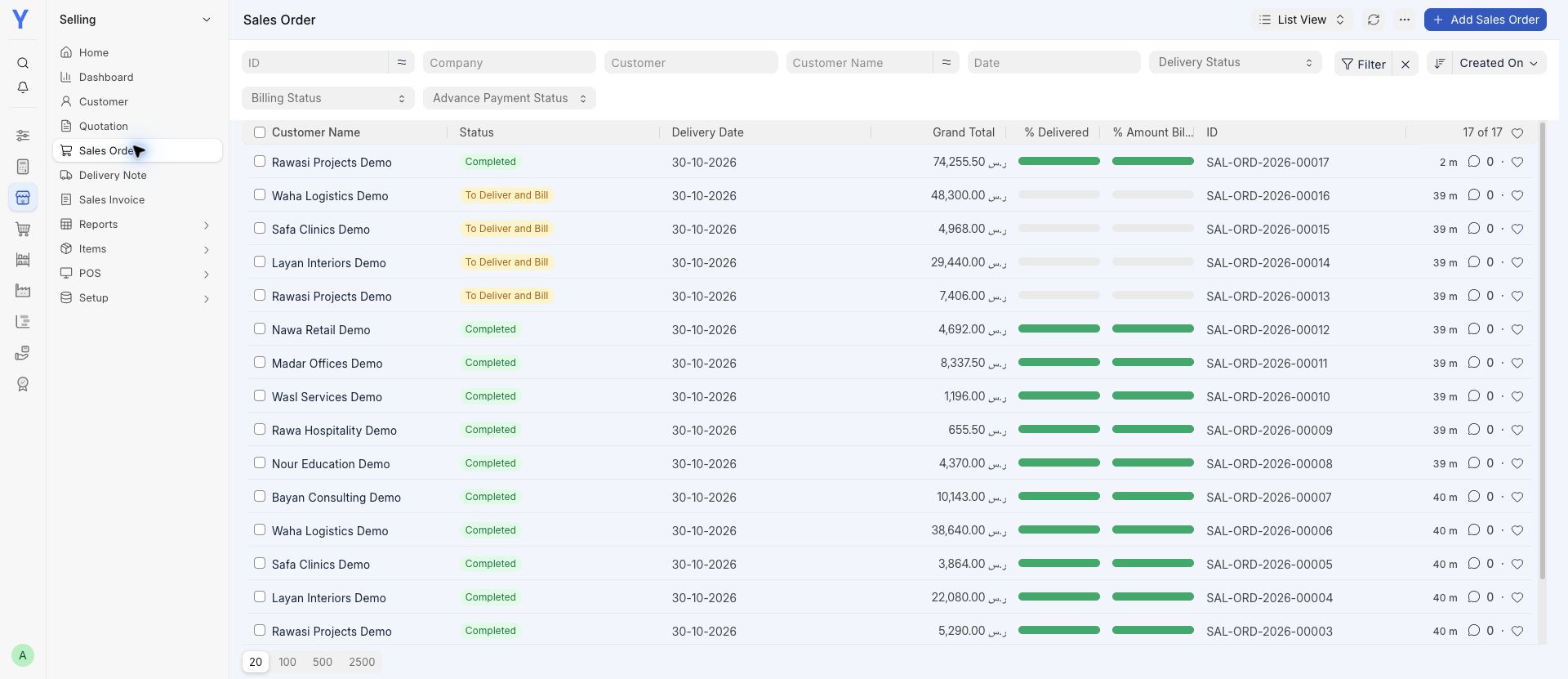
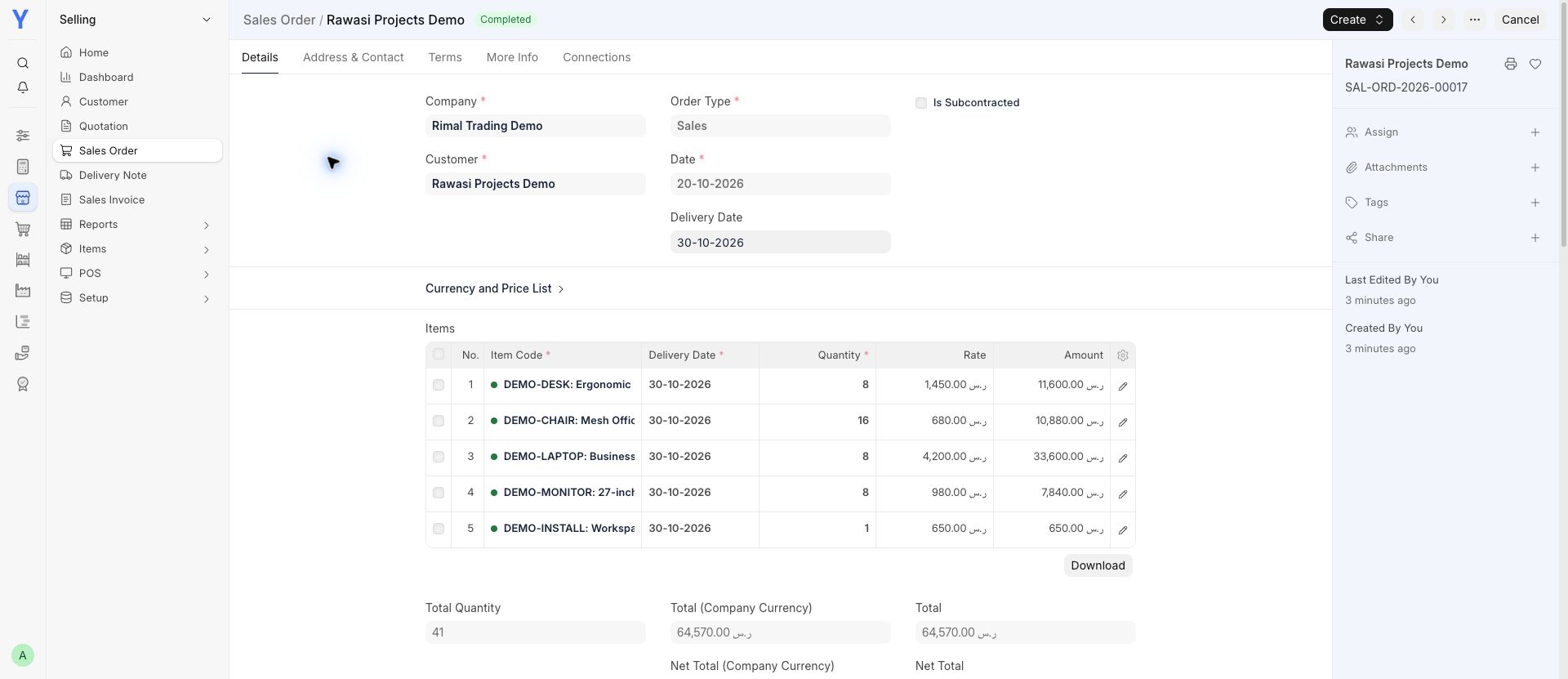
Follow an order through delivery, invoicing and payment.
View a screen
Explore YousrERP accounting, sales, purchasing and stock workflows with real demo recordings and clear setup boundaries.
A connected workflow can begin with a purchase order, continue through receiving stock and selling goods, and end in the related accounting records. Configuration, user permissions and opening data determine how that workflow fits your business.
The recordings below show accounting reports in an existing demo environment. They are genuine software recordings, not customer performance results. Screens vary with version, installed apps and configuration. We will assess specialist workflows before confirming that they fit.
Opening an ERP account does not complete implementation. Your chart of accounts, items, customers, suppliers, opening balances and team permissions may need attention before daily work begins. Choose one useful first task and build from there with the help you need.
Real software. Connected examples. Choose a module and take a closer look.
Recorded in Chrome using fictional demo data. These are software examples, not customer results. Apps, setup and availability depend on your plan and agreed scope. A demo tax calculation does not demonstrate a ZATCA connection.
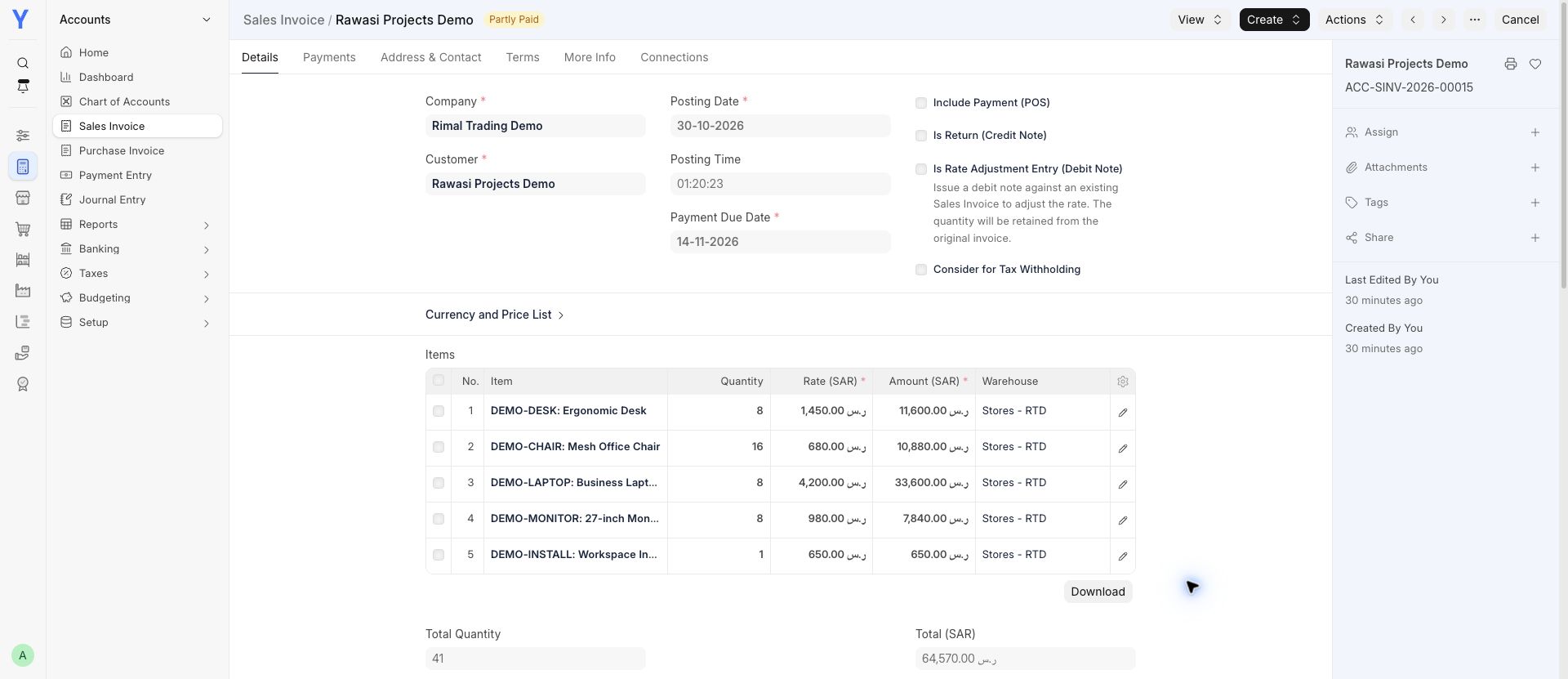
Follow an order through delivery, invoicing and payment.
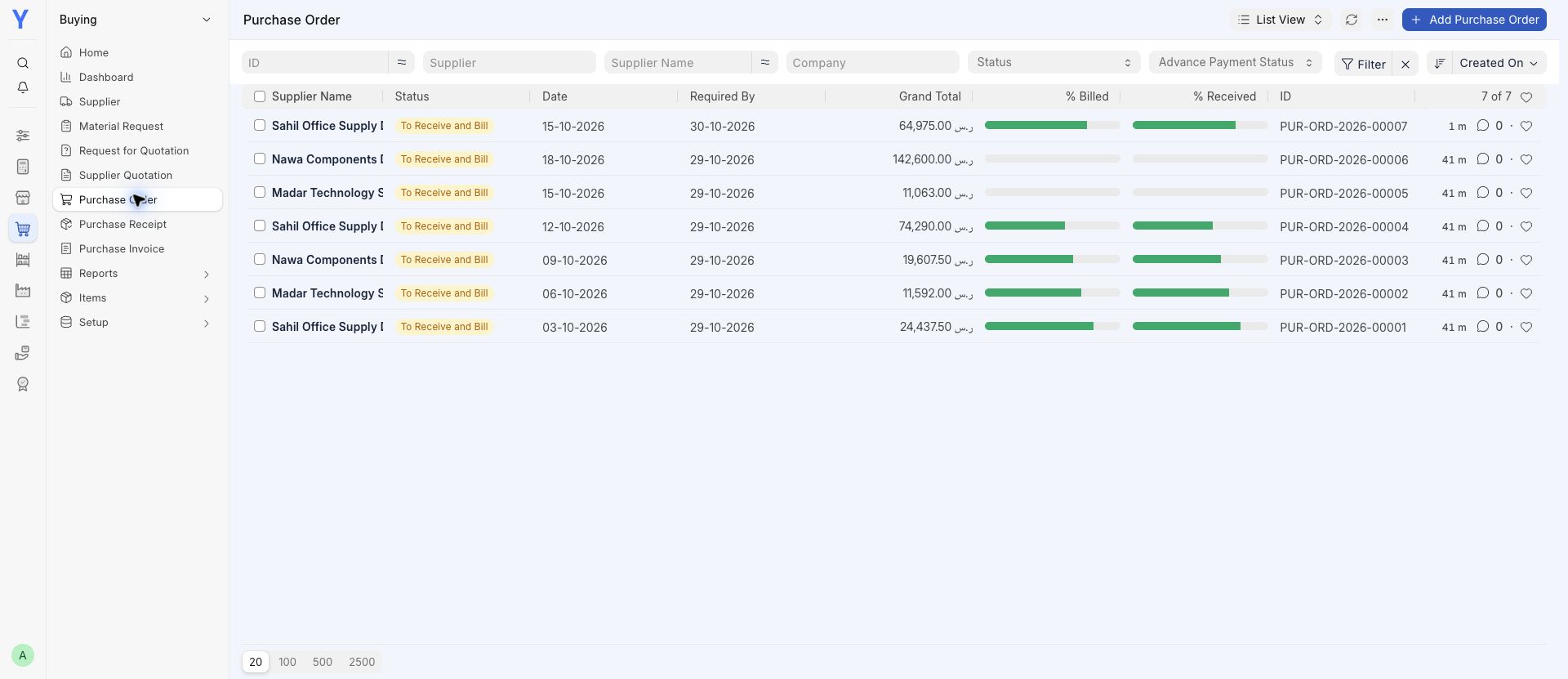
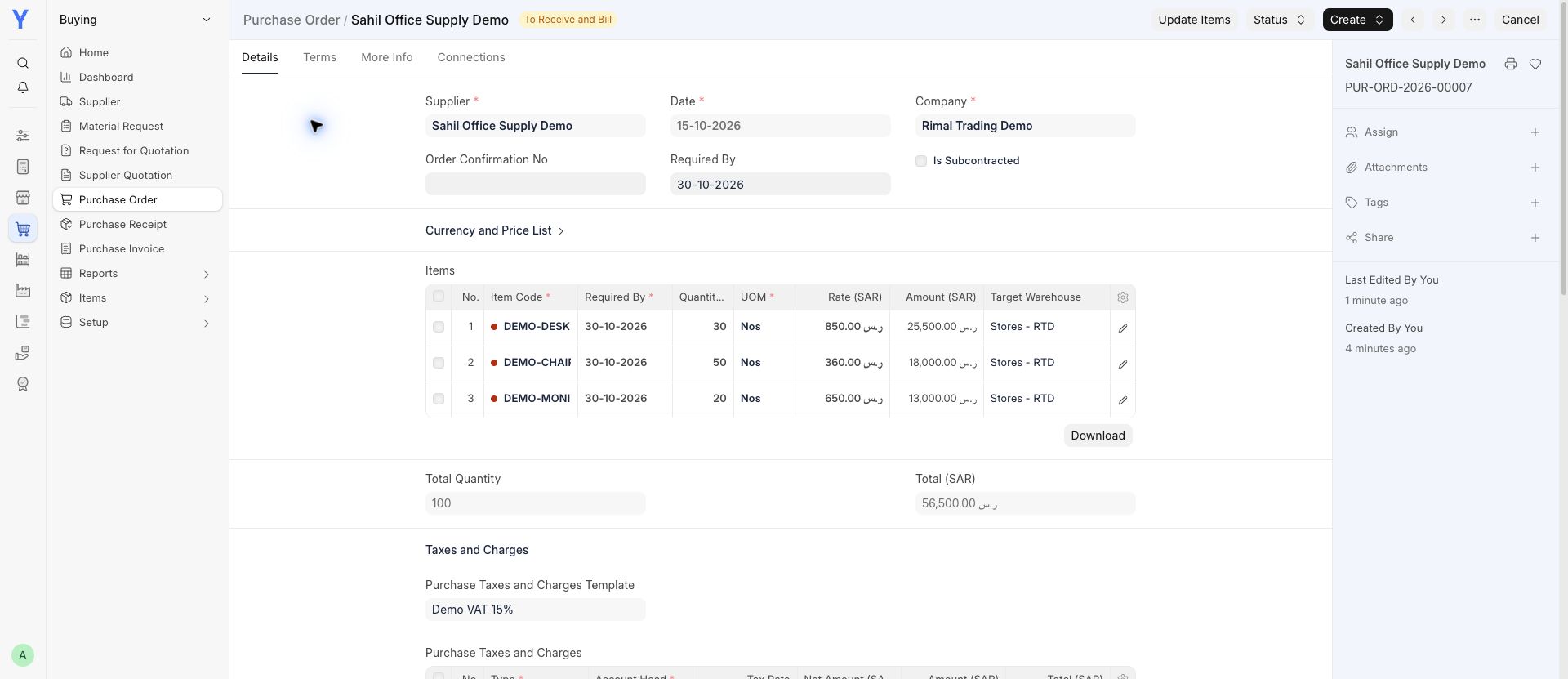
Keep supplier orders, received goods and bills connected.
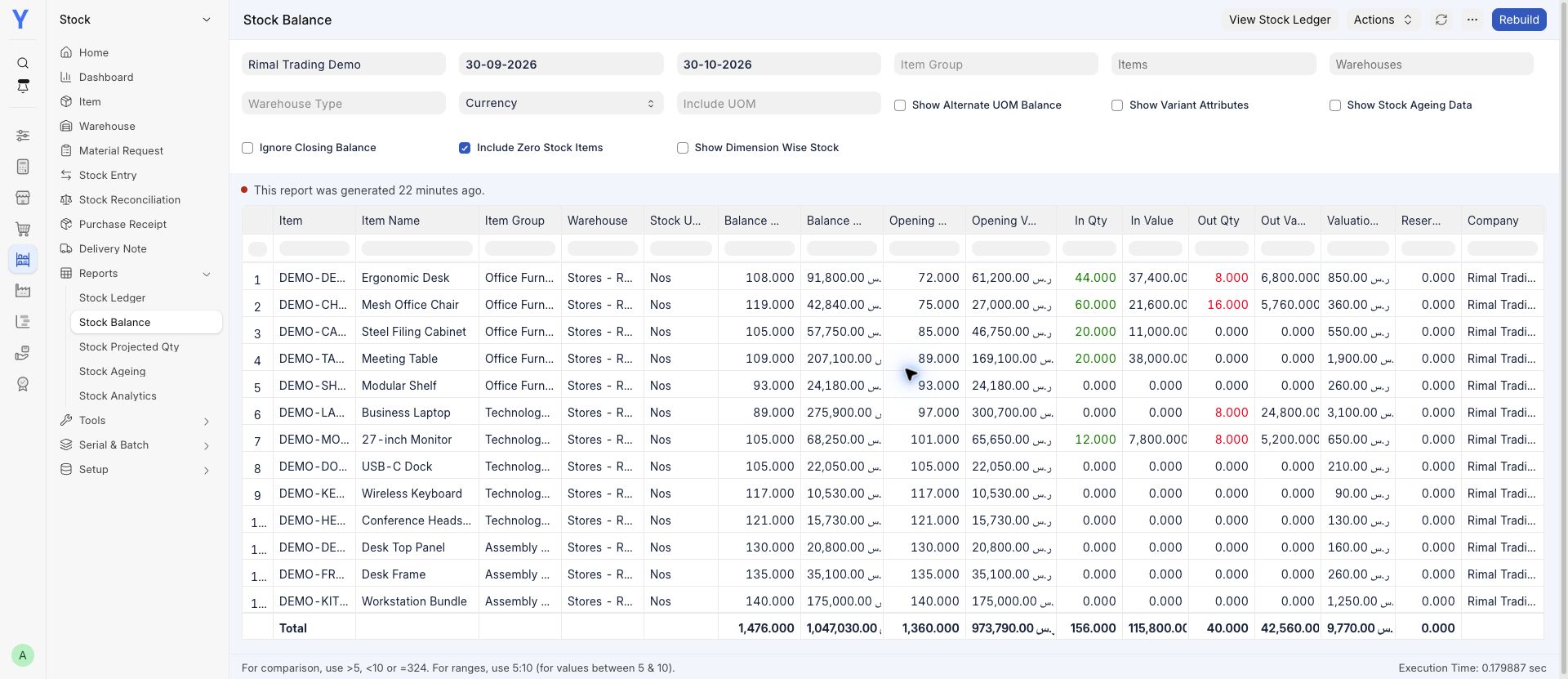
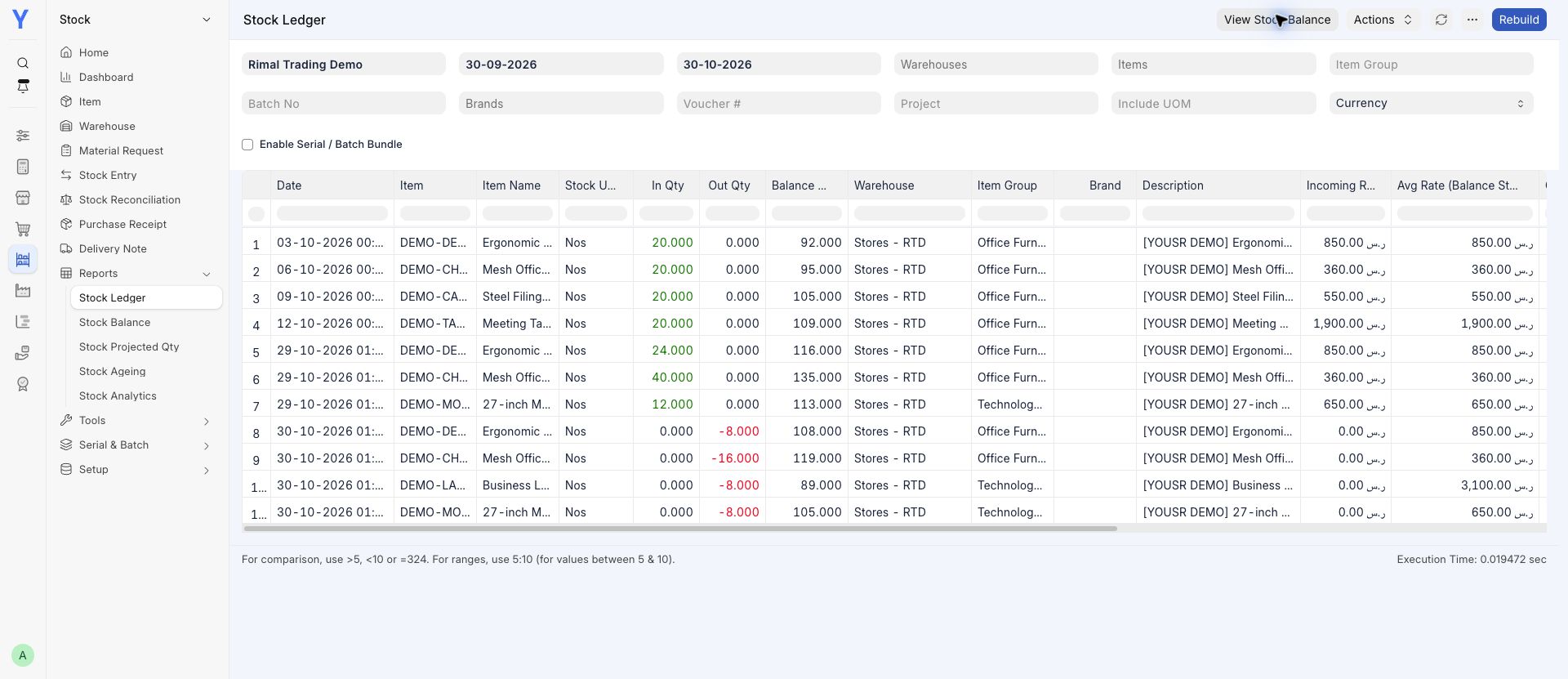
See what is available and follow the movements behind it.
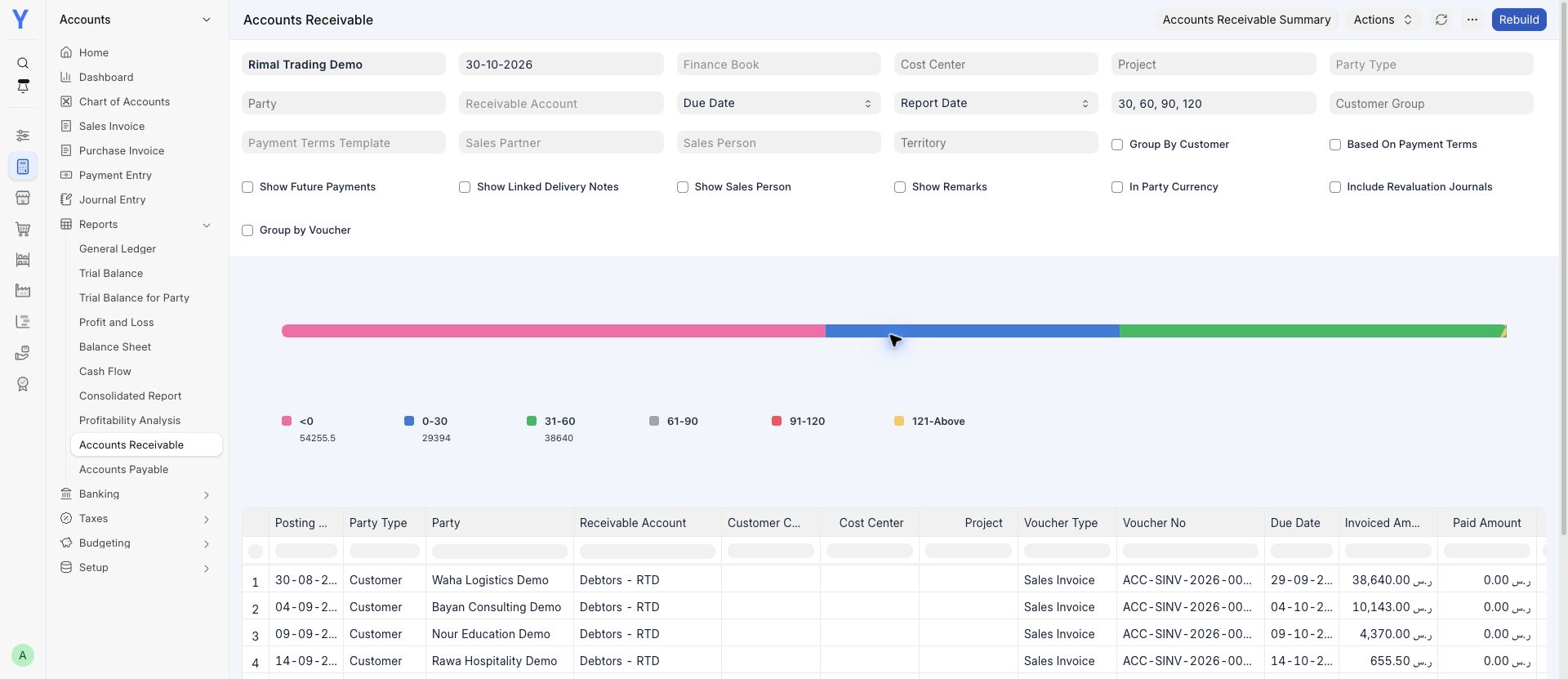
Review receivables and the transactions behind your balances.
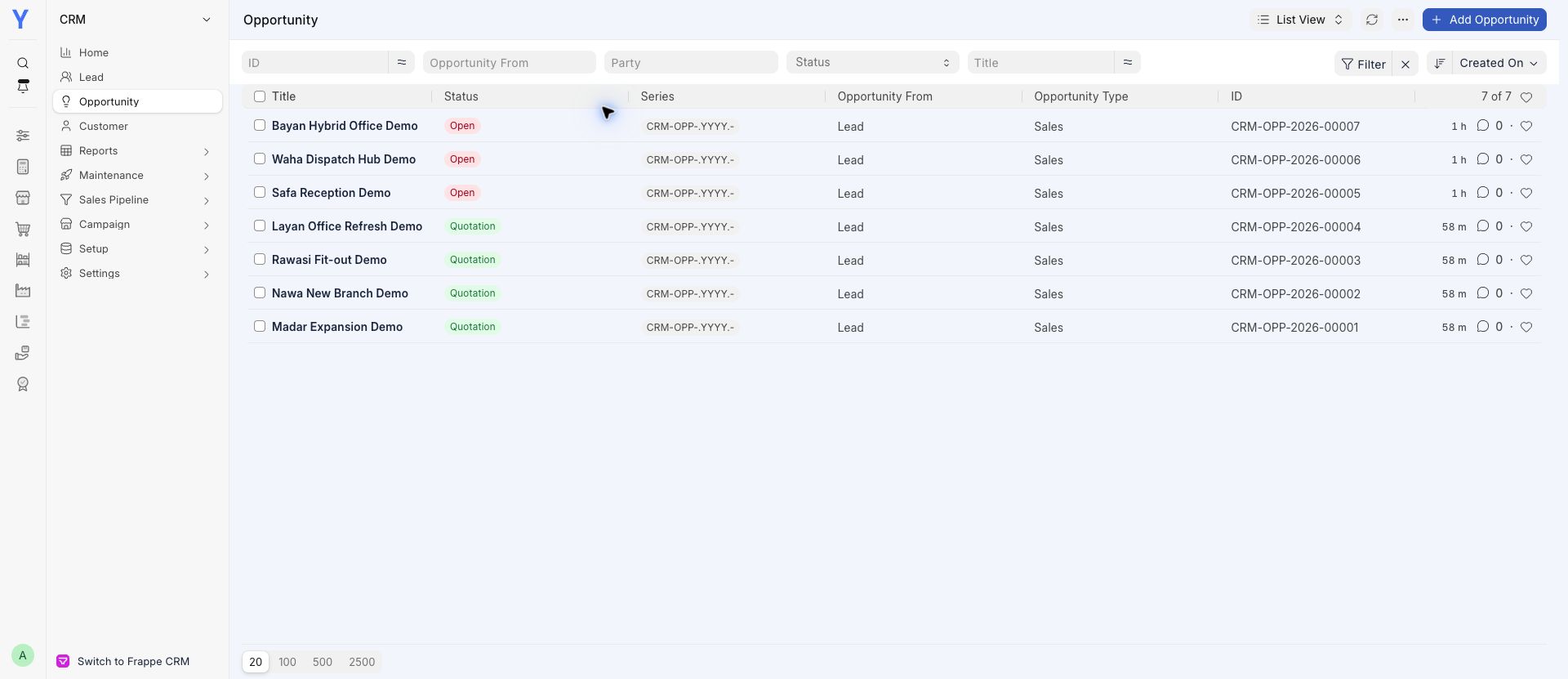
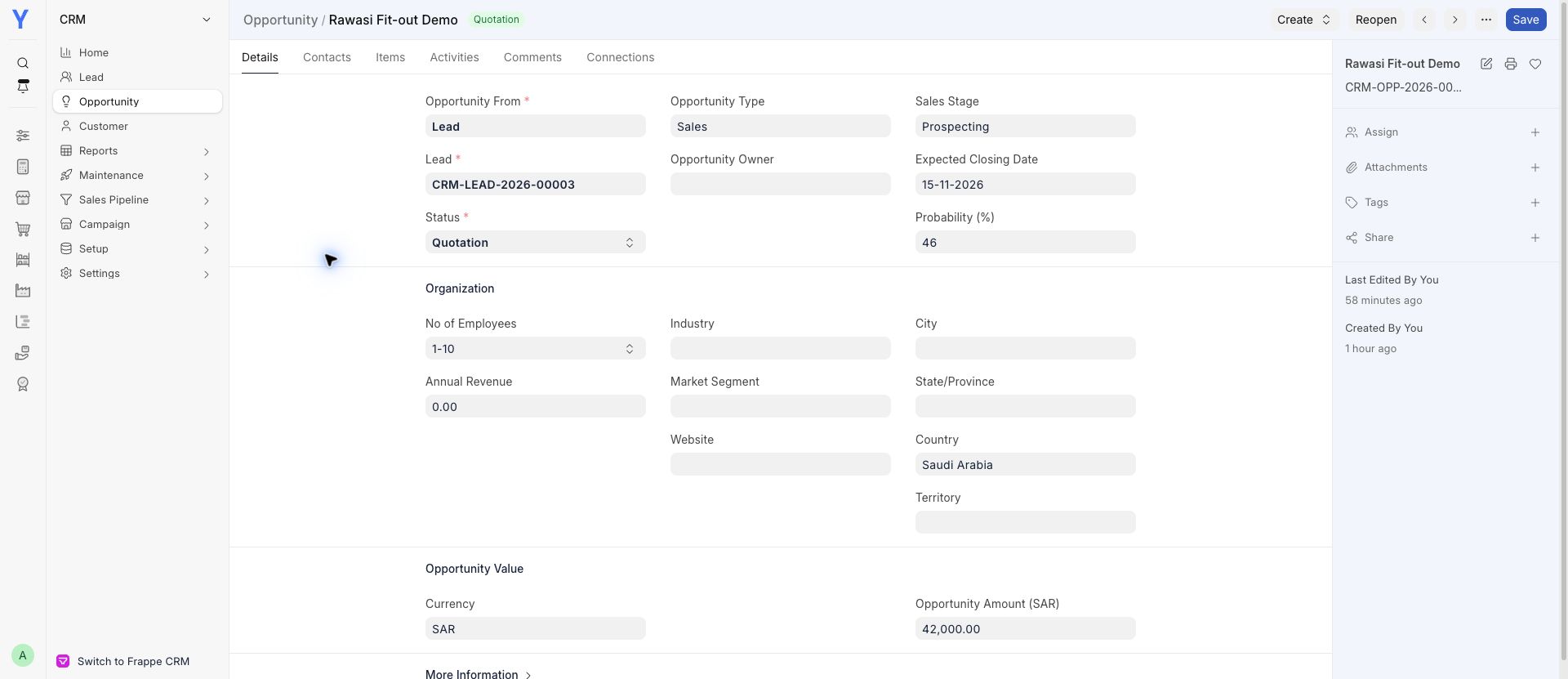
Keep prospects, opportunities and quotations in view.
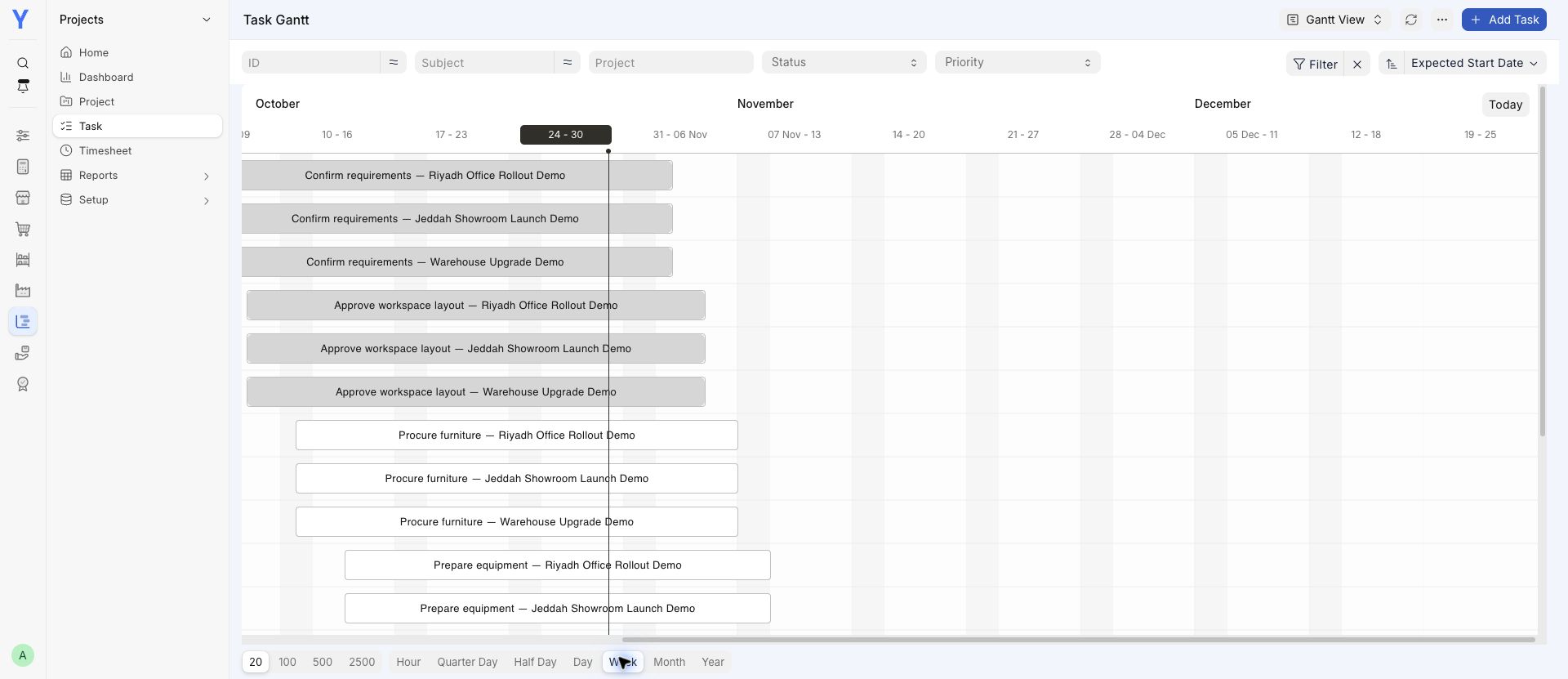
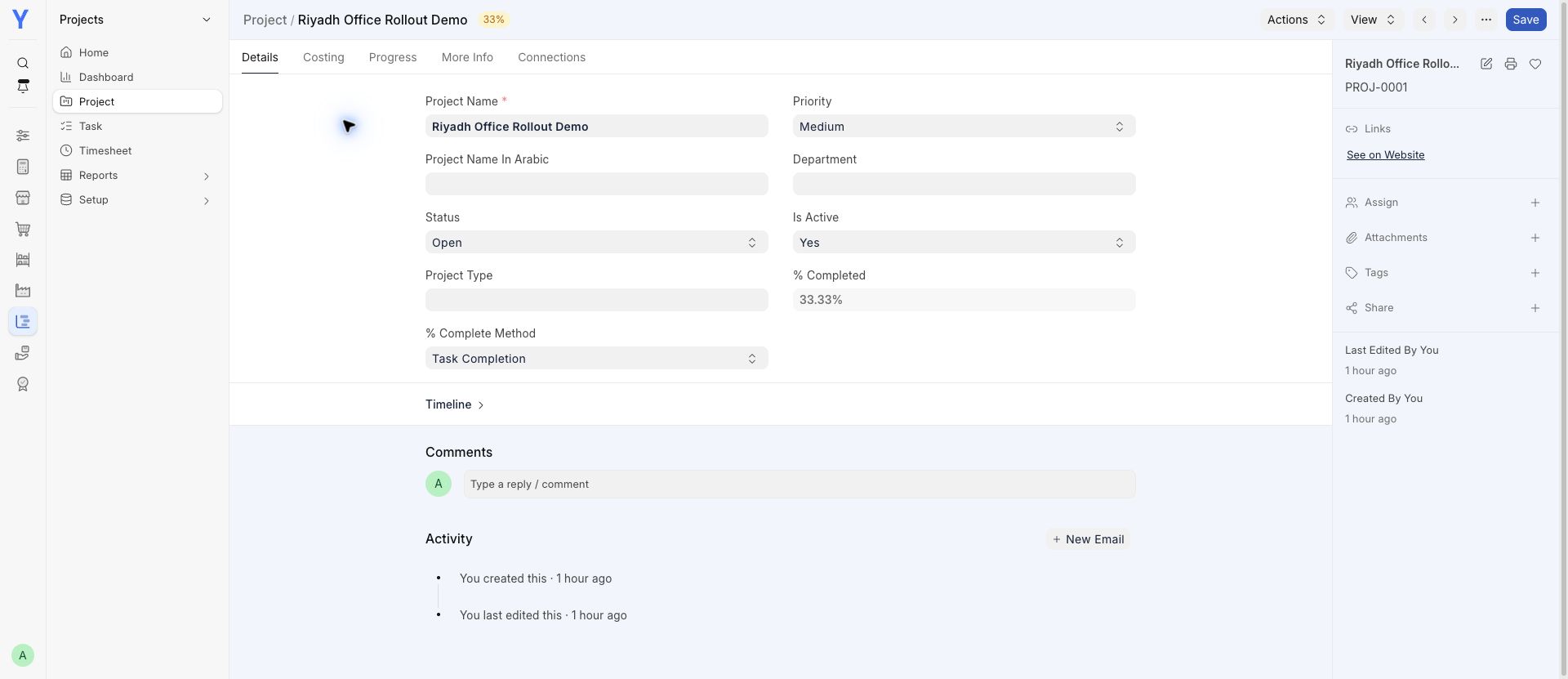
See the work, deadlines and tasks still to do.
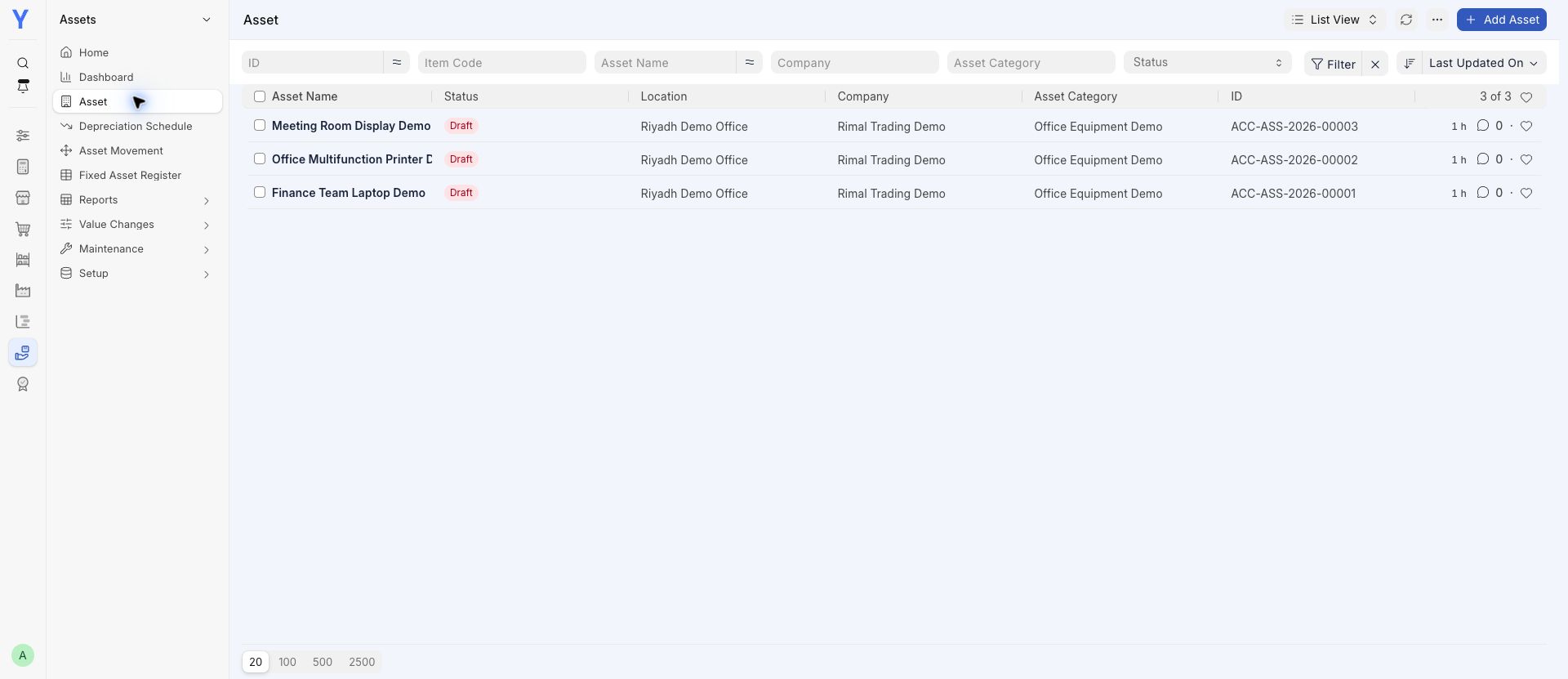
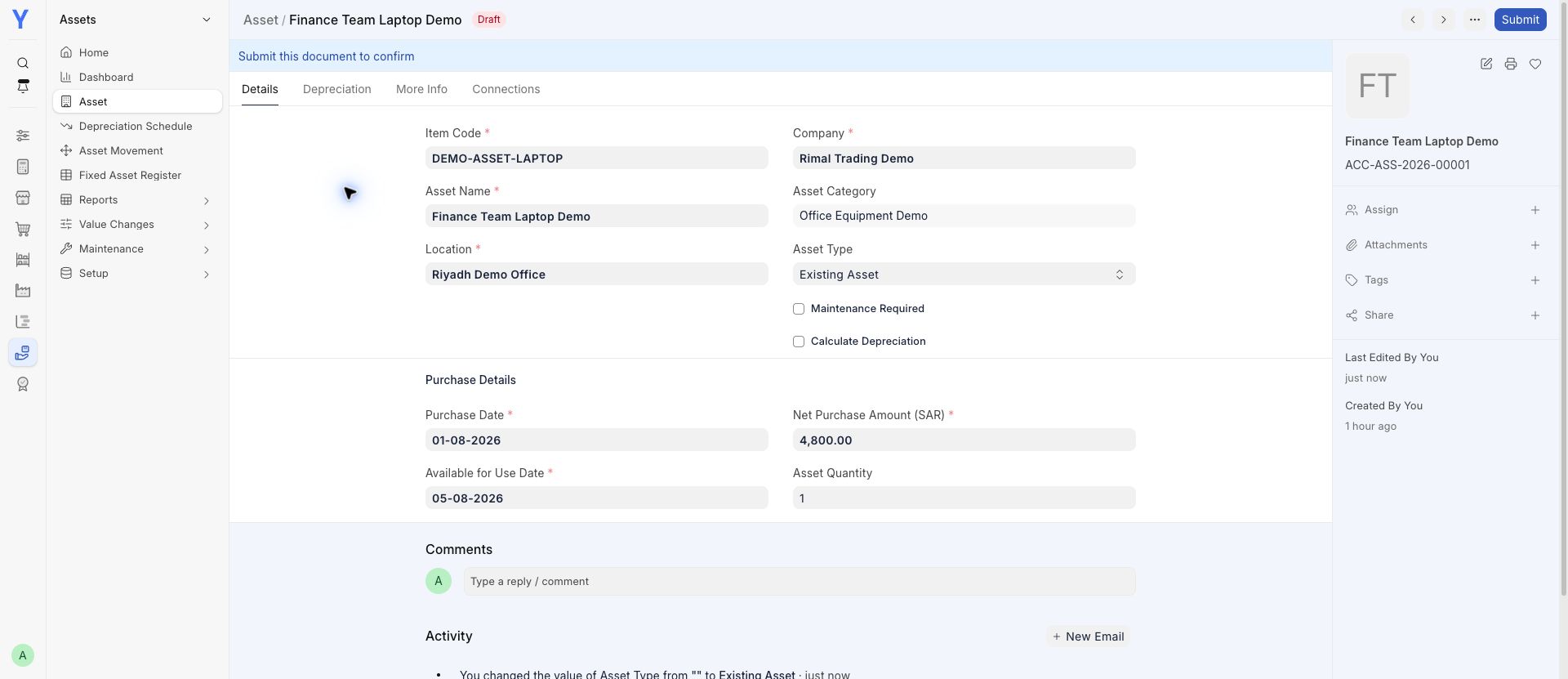
Keep equipment records and purchase information together.
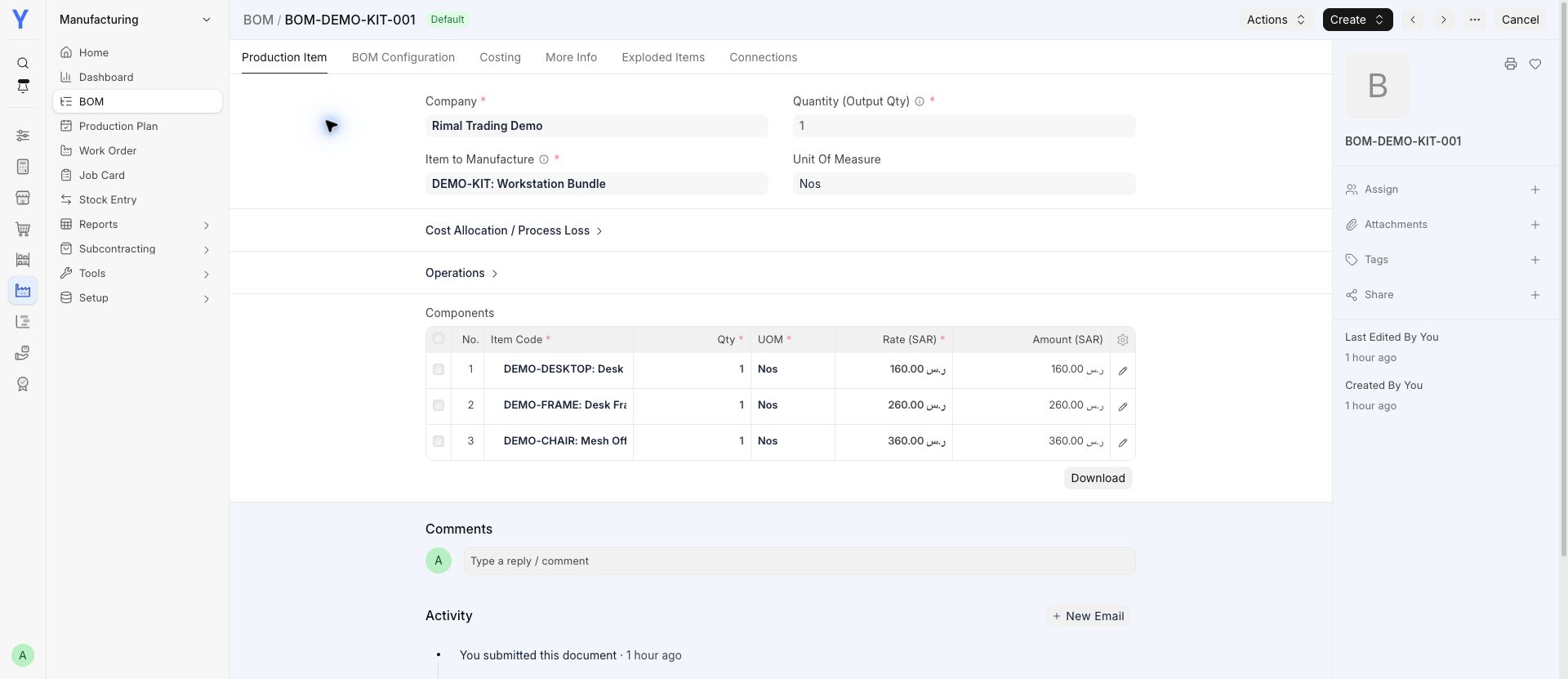
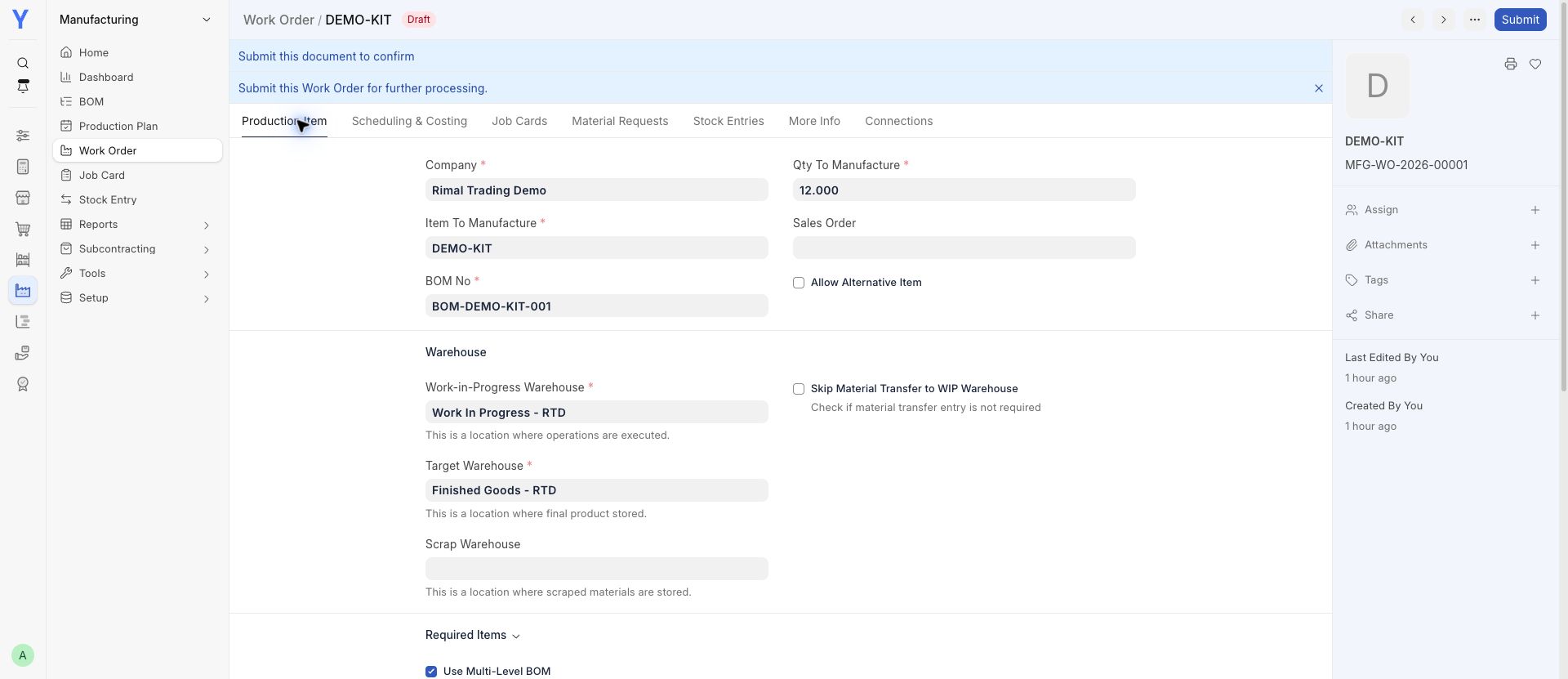
Review a bill of materials and plan an assembly order.
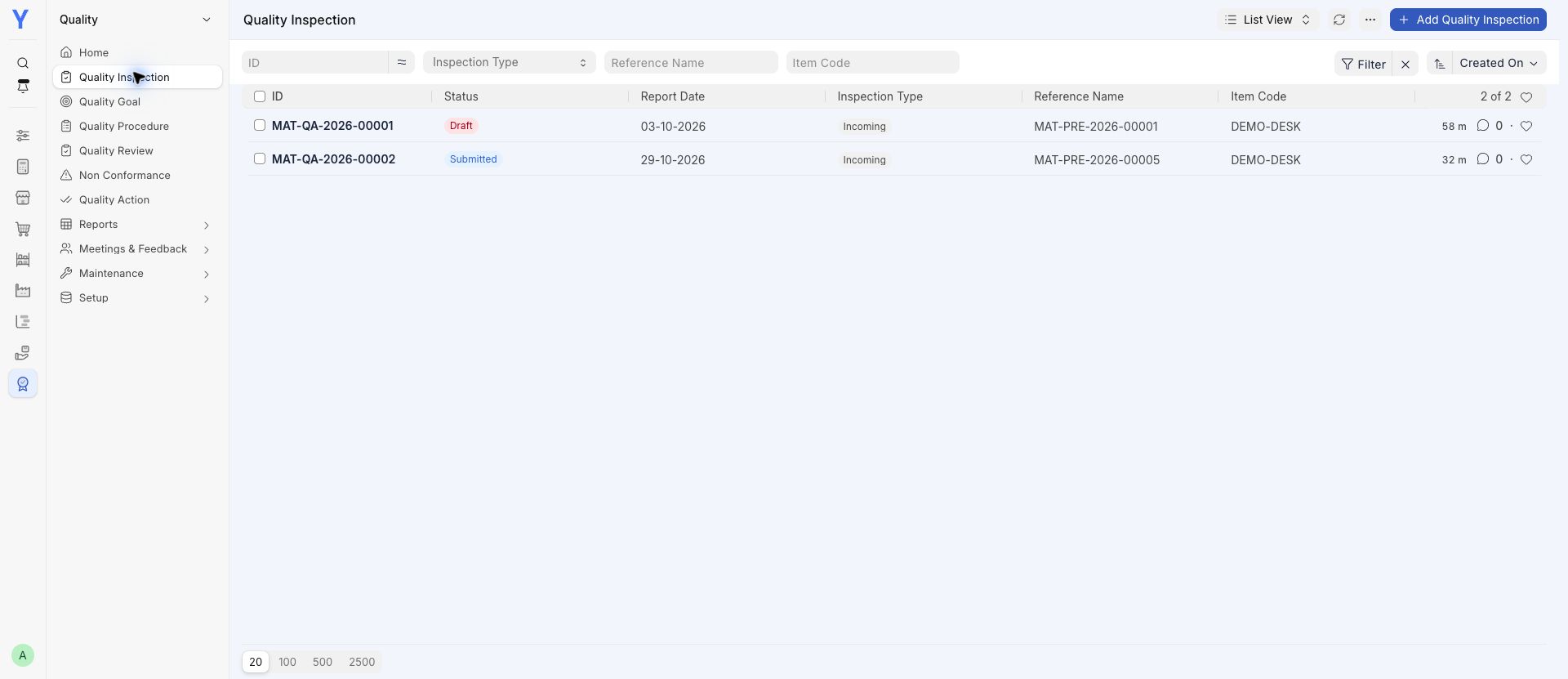
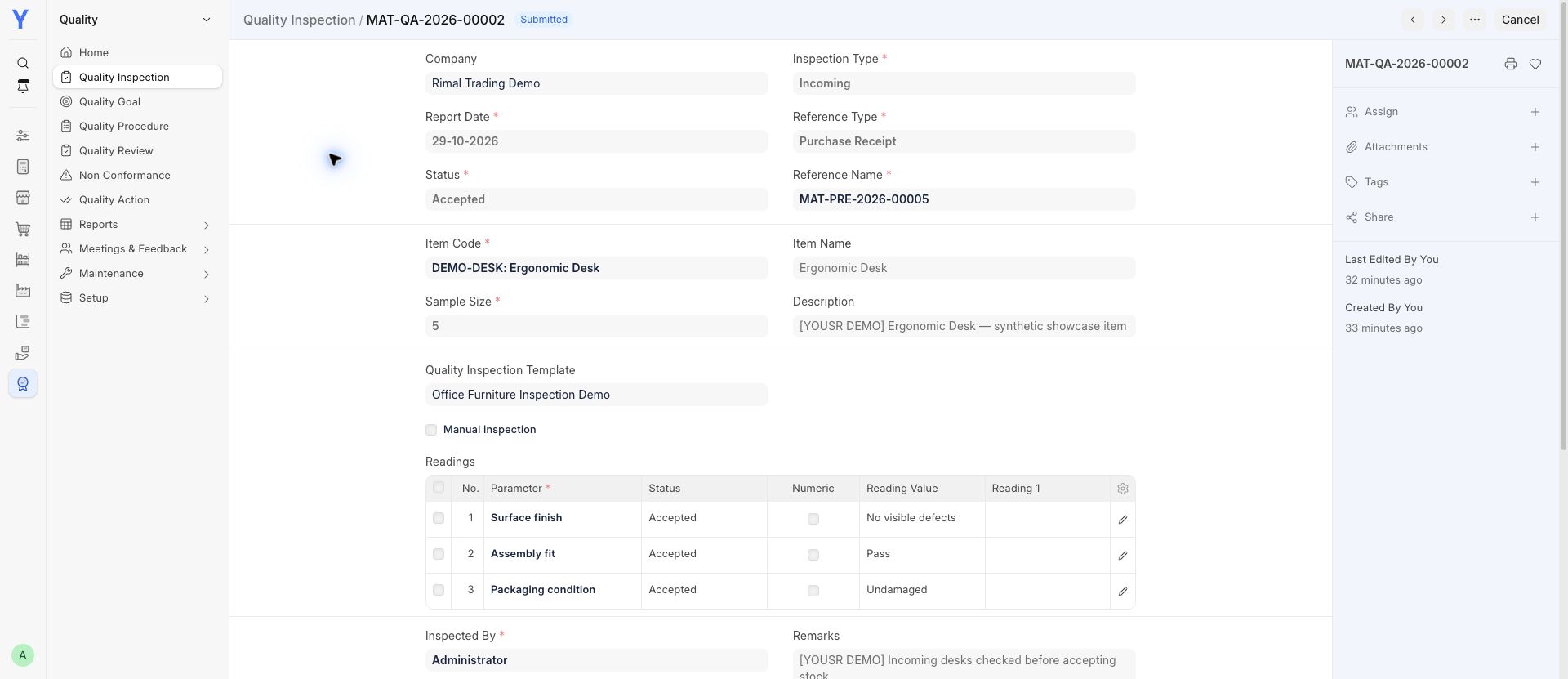
Record incoming checks and review inspection results.
Keep customer questions and their status organized.
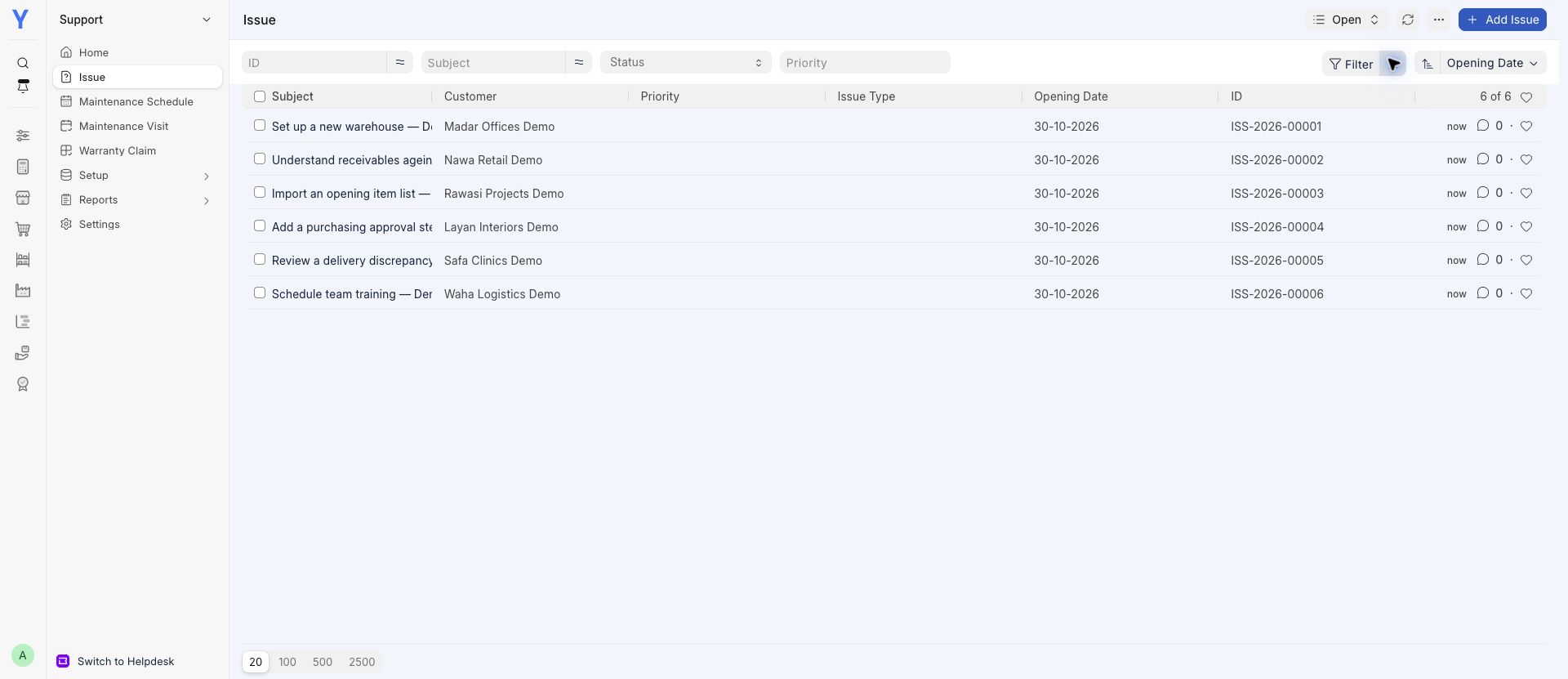
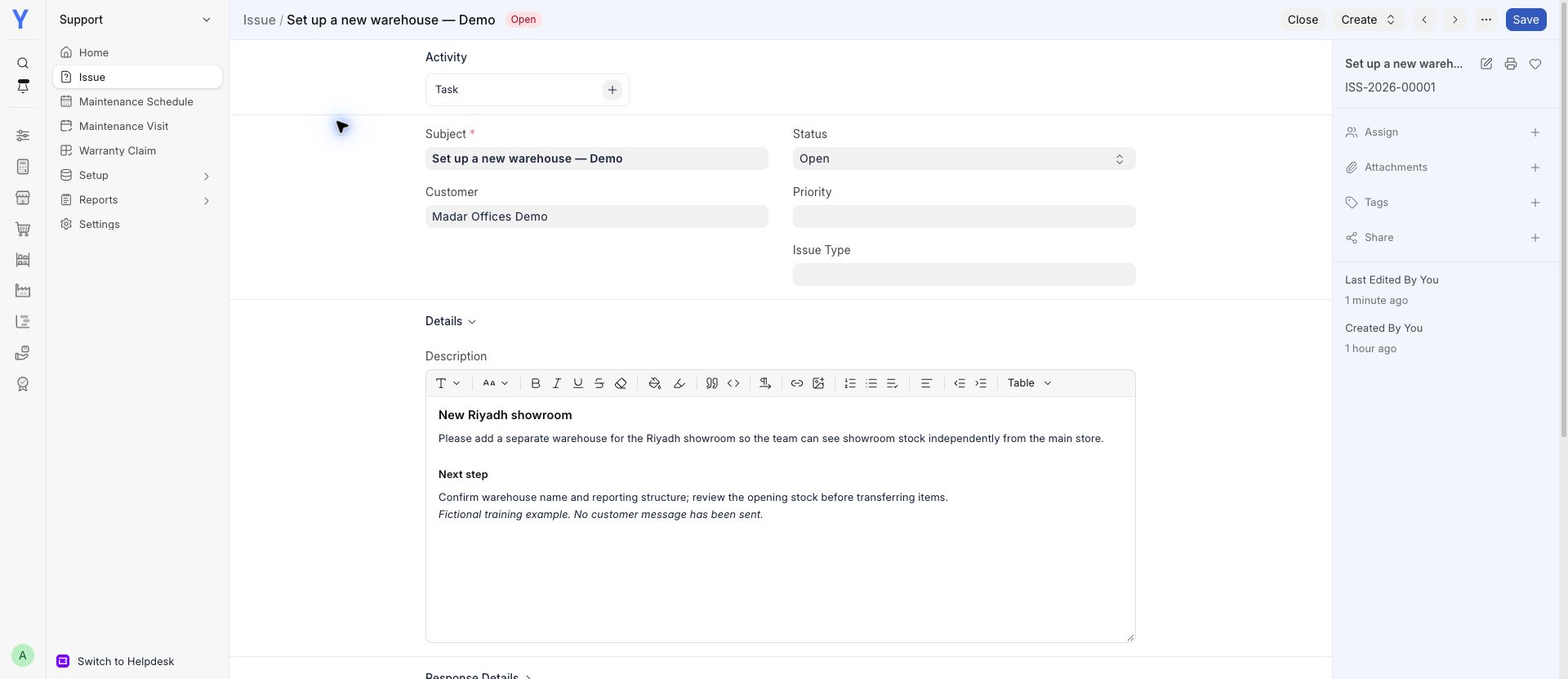
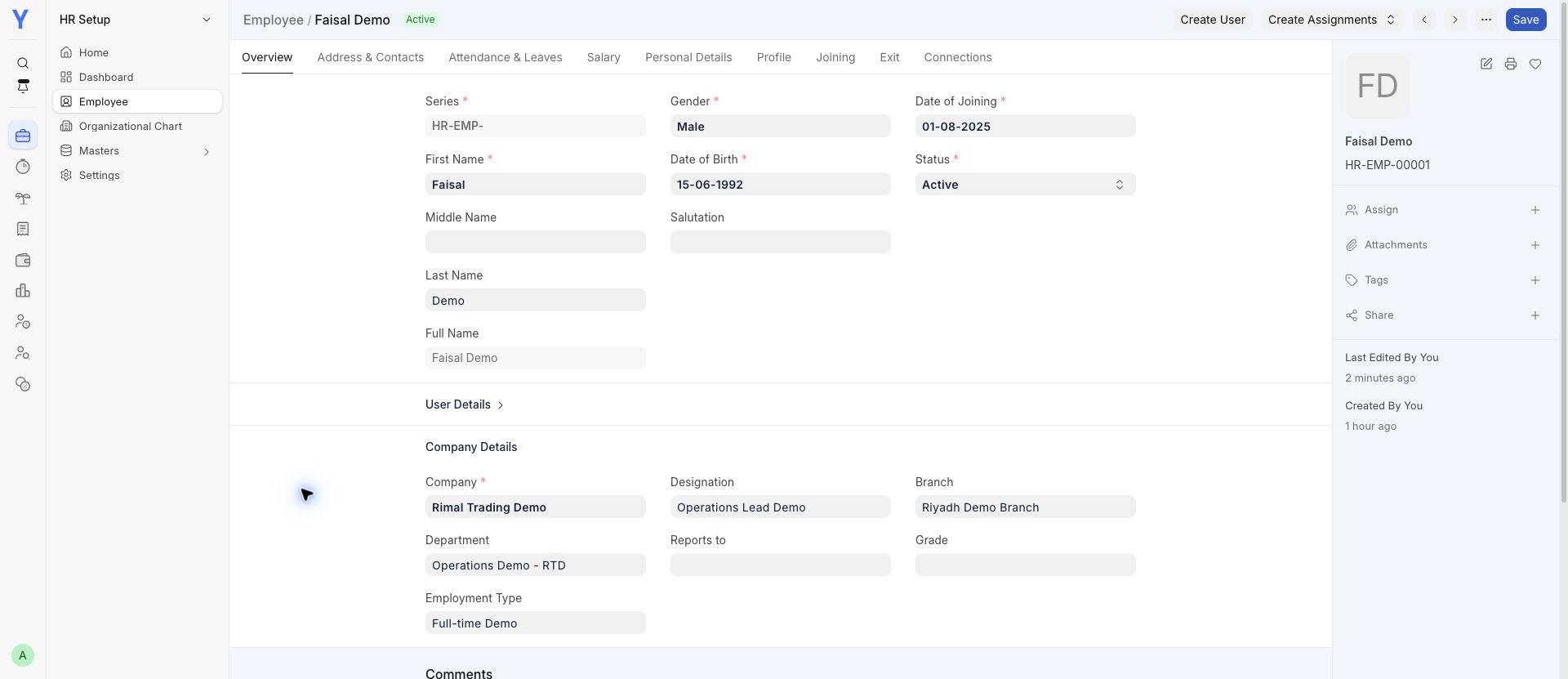
Find employee records and review attendance.
Additional app · confirm your plan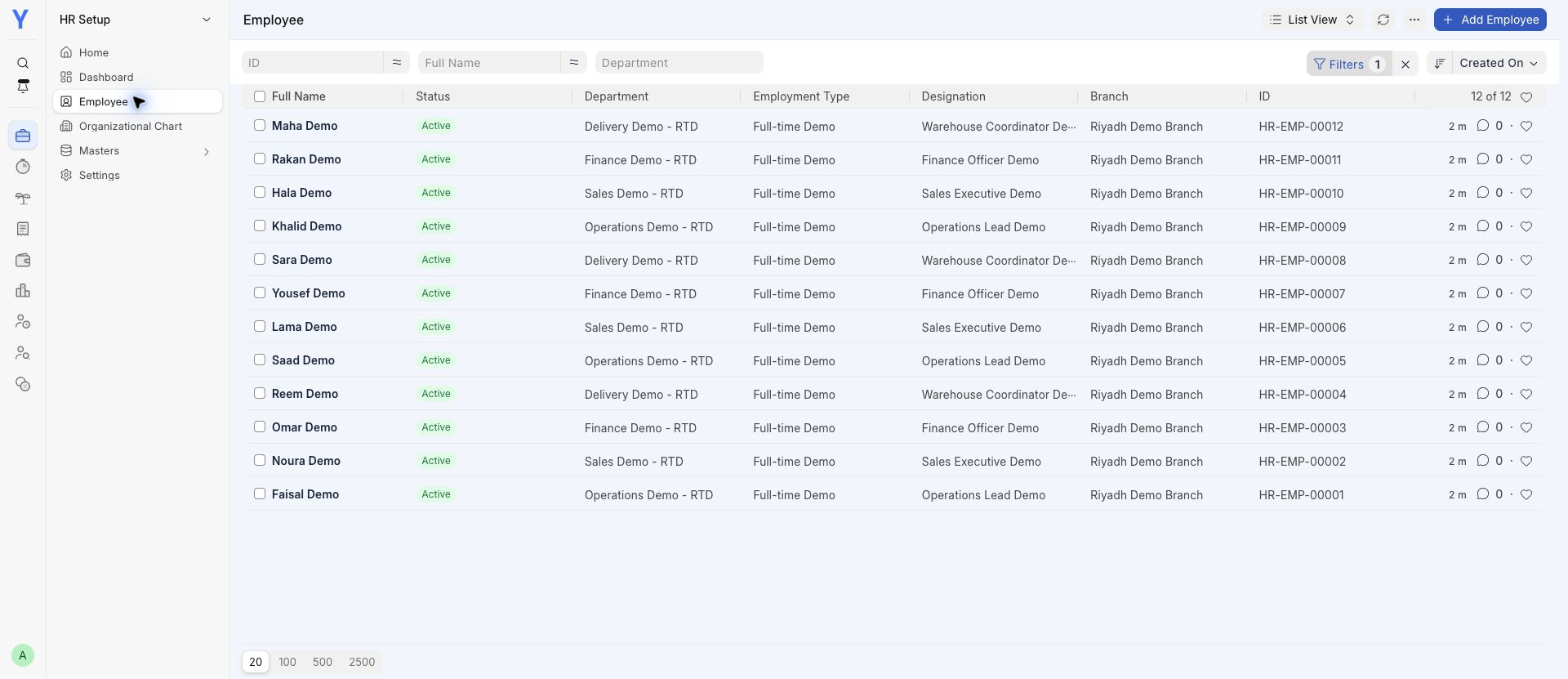
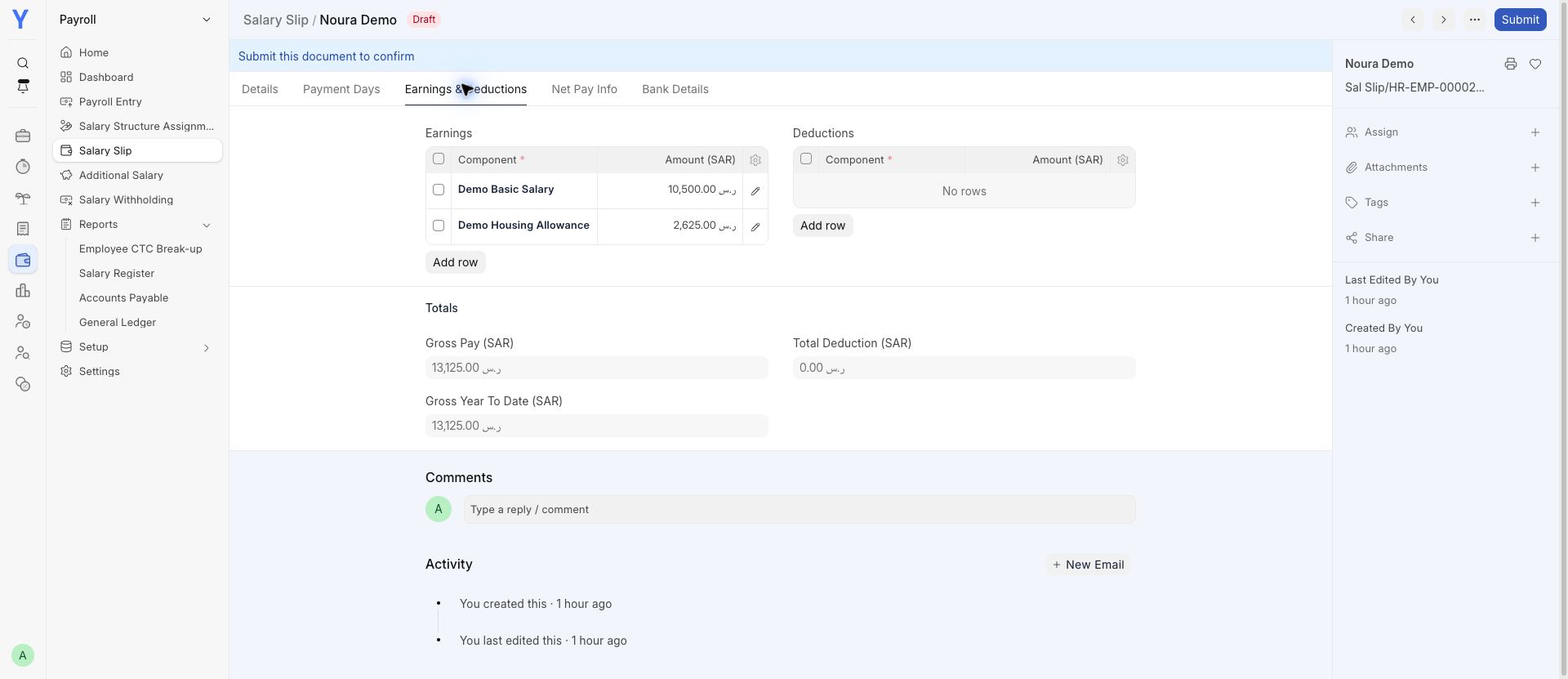
Review a draft salary calculation before approval.
Additional app · confirm your plan